
Service forms guide · Updated Nov 3, 2026
Client Forms for Service Businesses: Estimates, Contracts, Intake & Consent
Most service businesses need the same handful of forms, used in the same order: capture the inquiry, quote the job, agree on terms, collect client details or consent, record the work, and close with an invoice or aftercare card.
This page maps the shop's editable templates to that workflow and to specific trades. They're starting points you edit with your own prices, policies and business details.
The client paperwork workflow
Run a drop-off laundry service? The wash and fold order workflow follows the same steps for laundry: an intake slip, a bag tag, status tracking and a clean pickup handoff.
- 1. Inquiry: capture what the client wants, where and when, before you quote.
- 2. Estimate or quote: list the scope, measurements and price so the client can approve it in writing.
- 3. Service agreement or contract: payment terms, deposits, cancellations and what's included.
- 4. Intake and consent: health questions, pet or child details, or treatment consent, depending on your trade.
- 5. Job record: checklists, logs or before-and-after notes for each visit.
- 6. Close-out: invoice, aftercare card or maintenance reminder so the client knows what happens next.
Home and trade services
Estimate templates for trades usually pair a quote with a contract or service agreement.
- Pressure Washing Estimate Form with a soft-wash service agreement, plus a Soft Wash Chemical Mix Log with a dilution calculator.
- HVAC Estimate Template & Service Agreement, Plumbing Quotation Template and Electrical Estimate Template.
- Landscaping Estimate Template with a quote calculator, and the Construction Estimate Template Spreadsheet for job costing and markup.
- Cleaning Business Forms Bundle: contract, estimate, invoice and checklist.
- Junk Removal Estimate Template, Pest Control Forms, Car Detailing Forms and Laundry Business Forms. The wash-and-fold order workflow guide covers intake slips, bag tags, status tracking and pickup.
Pressure Washing Estimate Form
Pressure washing estimate & contract forms kit: 20-page fillable PDF with intake, estimate, service agreement template…
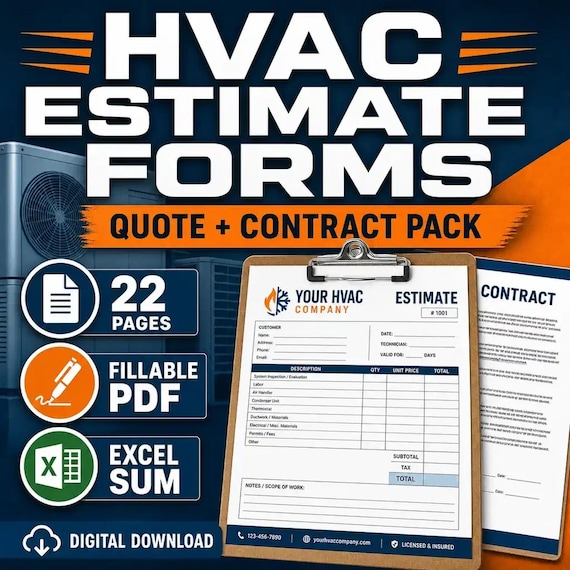
HVAC Estimate Template & Service Agreement
HVAC Estimate & Contract Forms: 22-page fillable intake/equipment survey/estimate/agreement pack + Word + Excel quote calculator…
Cleaning Business Forms Bundle
Cleaning business forms bundle for residential cleaners and small cleaning companies: 26-page fillable PDF with client intake…
Landscaping Estimate Template
Landscaping Estimate Forms: 22-page fillable intake/site/estimate pack + Word + Excel quote calculator with real SUM formulas.
Pet care and childcare
Setting a babysitting rate? The free Babysitting Rate Calculator starts from your state's median hourly wage for childcare workers (U.S. Bureau of Labor Statistics, May 2025), then adds extra children, late-night hours and flat extras to give a total for the job. The full state-by-state table is on Babysitting Rates by State 2026; the national median is $16.82 an hour.
- Pet Sitting Forms Bundle, Dog Boarding Forms and Dog Grooming Forms for intake, agreements and emergency contacts.
- Puppy Sales Contract Template for breeders.
- Daycare Daily Report Sheets, the Daycare Tuition Tracker Spreadsheet and a Nanny Contract Template.
- Horse owners and boarding barns: the Horse Barn Management Spreadsheet keeps horse profiles, daily chores, feed, turnout, farrier and vet/dental records in Excel, with a 26-page printable PDF and an editable Word copy.
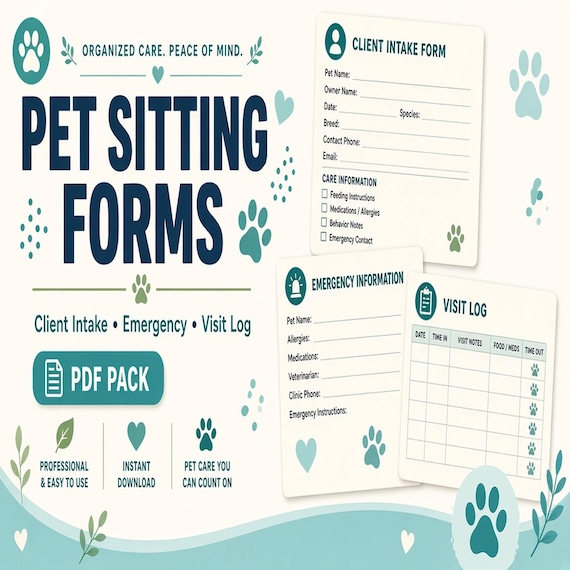
Pet Sitting Forms Bundle
A polished template kit for pet sitters, dog walkers, house sitters, pet care businesses, and solo service providers.
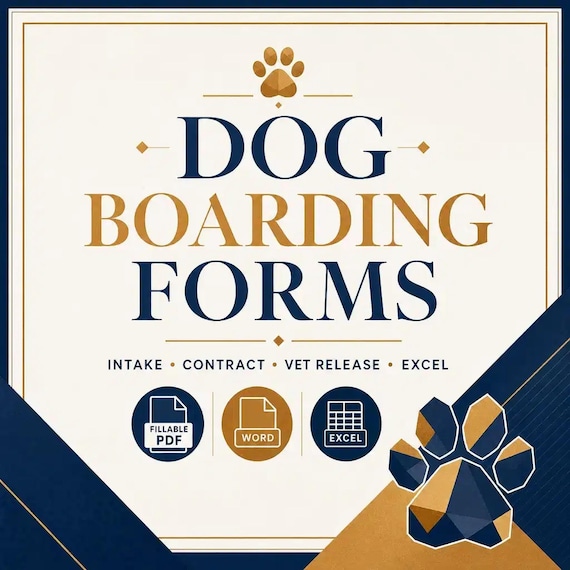
Dog Boarding Forms
Dog Boarding Intake Forms: 21-page fillable intake/contract/vet-release/behavior pack + Word + Excel stay tracker with real SUM…
Daycare Daily Report Sheets
Send families home with a clear picture of their child's day. These daily report sheets cover meals and bottles, naps, diapers or…
Nanny Contract Template
Hire a nanny with clear expectations from day one. This set includes a 4-page nanny agreement you can edit in Word, plus a nanny…
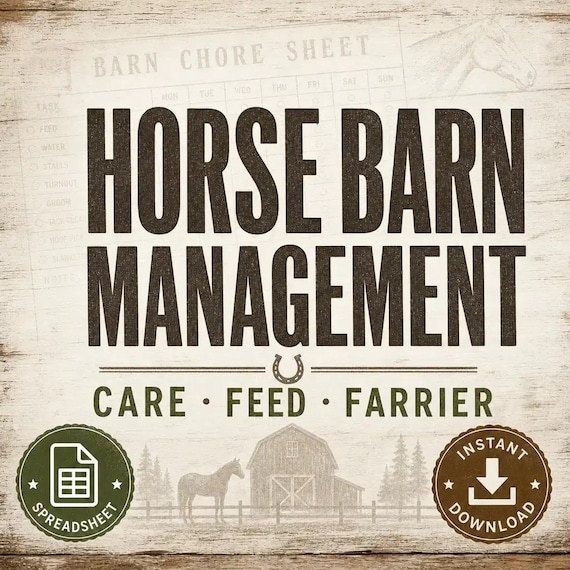
Horse Barn Management Spreadsheet
Keep horse profiles, owner and emergency contacts, daily chores, feed, turnout, exercise, farrier, veterinary and dental records…
Beauty, body art and wellness
Consent and aftercare forms matter most here. The Beauty & Wellness Forms section has them by service.
- Estheticians and lash techs: the Esthetician Forms Bundle, Lash Tech Consent Forms, Facial Consent Form Bundle and Waxing Client Intake Form & Wax Consent Forms.
- Nails, PMU and hair: Nail Tech Forms, PMU Consent Form Bundle and Hair Extension Consultation Form.
- Tattoo and piercing studios: Tattoo Consent Form Bundle and Piercing Consent Form. For walk-in flash, the Fine Line Tattoo Flash Sheets are tiny micro tattoo designs as JPG/PNG stencils, and the Small Hand Tattoo Stencils pack has 8 finger and hand tattoo flash sheets as JPG, PNG and a printable PDF. The Celestial Tattoo Flash Sheet adds 3 fine line moon, star and sun sheets as JPG, PNG and a printable PDF. To run a walk-in flash day, the Tiny Tattoo Flash Day Workflow turns a big bundle into a coded flash-day menu with clear client choices, and How to Use Printable Tattoo Flash Sheets covers PNG, JPG or PDF files, sizing and test prints.
- Other services: Tooth Gem Consent Form, Permanent Jewelry Waiver, Lymphatic Drainage Forms, Personal Trainer Forms and the Doula Client Workbook.
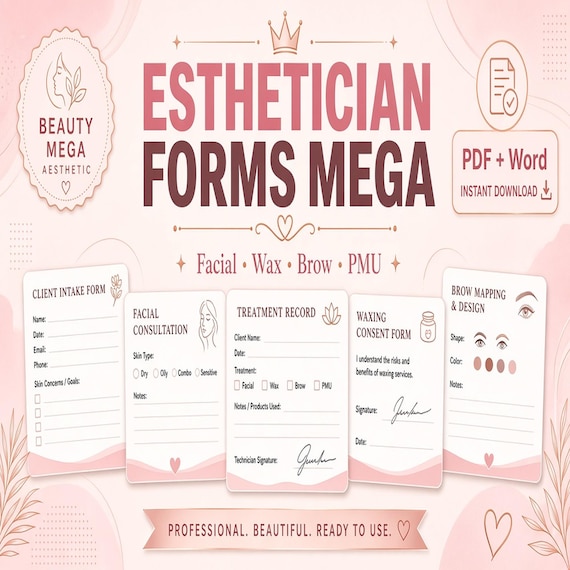
Esthetician Forms Bundle
A printable beauty-forms mega bundle for lash techs, estheticians, wax specialists, brow/lash-lift artists, and PMU providers …
Lash Tech Consent Forms
Lash tech forms bundle for lash artists and beauty studios: 26-page fillable PDF with consent, client intake, contraindication…
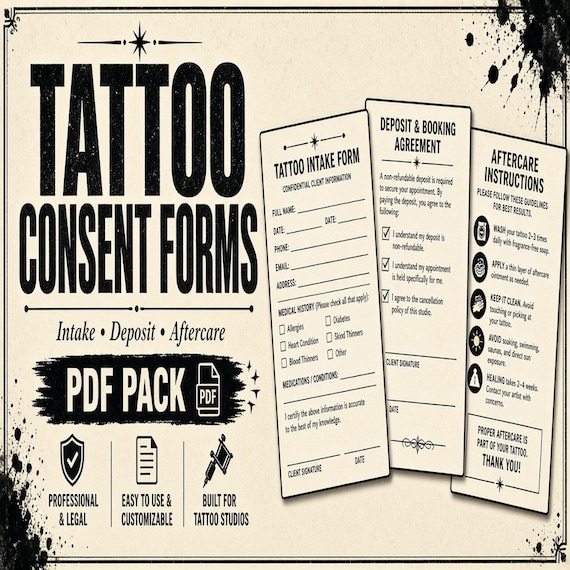
Tattoo Consent Form Bundle
A polished template kit for tattoo artists, fine-line studios, apprentices, and appointment-based body-art shops.
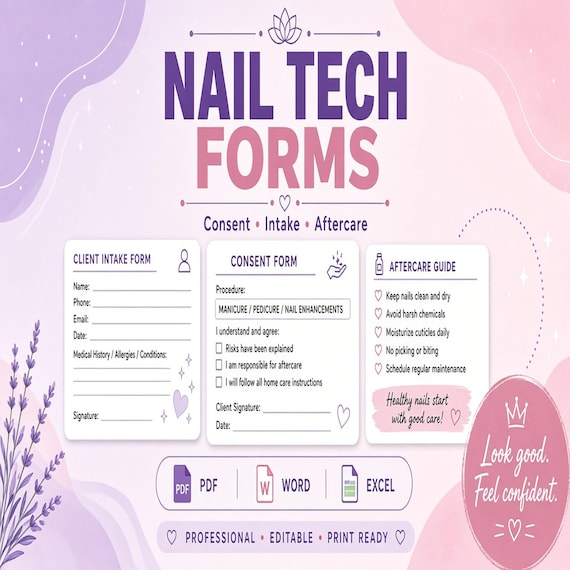
Nail Tech Forms
A polished template kit for nail techs, mobile nail artists, salons, and beauty service owners.

Celestial Tattoo Flash Sheet
I built these celestial moon, star, and sun tattoo flash sheets for fine-line studios that need ready-to-print cosmic motifs…
Events and weddings
- DJ Contract Template with a client intake and music questionnaire.
- Cake Order Form & Contract with an allergen checklist.
- Mobile bartenders: the Mobile Bar Event Order Form kit with a cocktail menu planner and a cocktail batch calculator.
- Makeup artists: the Bridal Makeup Consultation Form kit with skin and allergy intake, a makeup trial form, a wedding day timeline and a deposit policy template. The bridal makeup trial workflow guide shows how to record the approved look and shades and build the wedding-morning schedule.
- Charcuterie and grazing tables: the Charcuterie Order Form kit has an Excel order, pricing and prep tracker, a printable order and prep checklist and editable label and menu cards. The charcuterie order workflow guide walks from quote to prep to pickup.
- Photographers: the Mini Session Template for Photographers has an Excel booking tracker, a printable client prep guide and shot list, and editable Word guide cards.
- Wedding officiants: the Wedding Officiant Ceremony Planner has a 23-page workbook with a couple questionnaire, love-story interview, script builder, pronunciation, rehearsal and run-sheet pages, an editable Word version and Excel trackers. The officiant workflow guide goes from the couple questionnaire to the final script and rehearsal.
- Florist Spreadsheet for stem counts and recipe cards, Bounce House Rental Forms and the Photo Booth Business Kit.
- Party and event rentals: the Event Rental Damage Checklist doubles as an inventory damage report for checkout, returns and deposits.

DJ Contract Template
Wedding DJ Contract Pack: 22-page fillable intake/music questionnaire/timeline/contract pack + Word + Excel package calculator…
Cake Order Form & Contract
Cake Order Form Pack: 21-page fillable order/design/allergen/contract pack + Word + Excel order tracker with real formulas.
Mobile Bar Business Forms
Plan event drinks, batches, shopping lists, garnish prep, and bar-service notes without messy one-off spreadsheets.
Photo Booth Business Kit
A premium photo booth business kit for organizing your offer, pricing, client documents and event-ready visual templates without…
Bridal Makeup Trial Forms
Bridal makeup trial forms for MUAs: 26-page fillable PDF with client consultation, skin/allergy intake, trial booking and look…
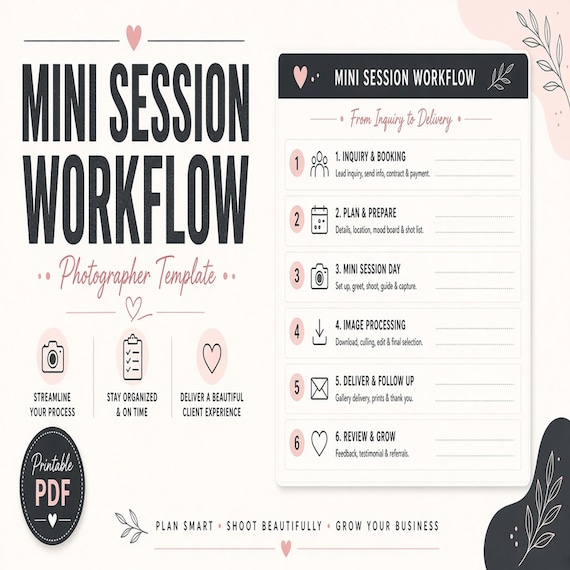
Mini Session Planner for Photographers
Plan mini-session dates, clients, shot lists, outfit-prep notes, gallery delivery, and follow-up steps.

Wedding Officiant Ceremony Planner
Guide each couple from first inquiry through story interview, ceremony outline, script review, rehearsal, day-of coordination…
Pricing your work
A quote is only as good as the price behind it. These calculators work out your costs and margins before you send an estimate.
For the margin and markup math behind each one, and which calculator fits which business, see Pricing Calculator Spreadsheets: Which One Fits What You Sell?.
- Freelance Rate Calculator Spreadsheet for hourly rates and project pricing.
- Product Pricing Calculator Spreadsheet: cost of goods, fees, profit margin, and wholesale and retail prices for the products you sell.
- Makers and bakers: the Handmade Pricing Calculator for craft product costing, and the Bakery Pricing Calculator for cake pricing and recipe cost. Jewelry makers can add the Jewelry Display Tags Printable: price tags and care cards plus a jewelry inventory spreadsheet and craft show sales tracker.
- Studio makers: the Pottery Inventory Spreadsheet tracks pricing and margin in Excel, with an 18-page printable kiln load log, glaze inventory and sale tags, and the Soap and Candle Business Planner covers soap recipe costing, candle burn tests, inventory and label templates.
- Contractors and remodelers: the Construction Estimate Template Excel adds up labor, materials, subcontractors, overhead, markup and tax, then gives you a quote summary to copy into a proposal or invoice.

Freelance Rate Calculator Spreadsheet
Freelance Rate Calculator — turn income goals + expenses + tax buffer into a recommended hourly rate, project price, rush fee…
Product Pricing Calculator Spreadsheet
Product Pricing Calculator Spreadsheet with Small Business Profit Margin, Cost of Goods, Wholesale and Retail Price Excel PDF…
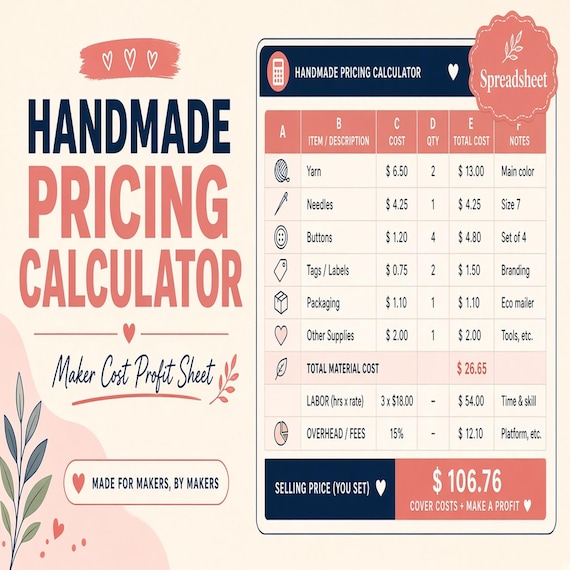
Handmade Pricing Calculator Spreadsheet
Handmade pricing calculator and craft inventory spreadsheet for sellers who need to price products, track material costs…
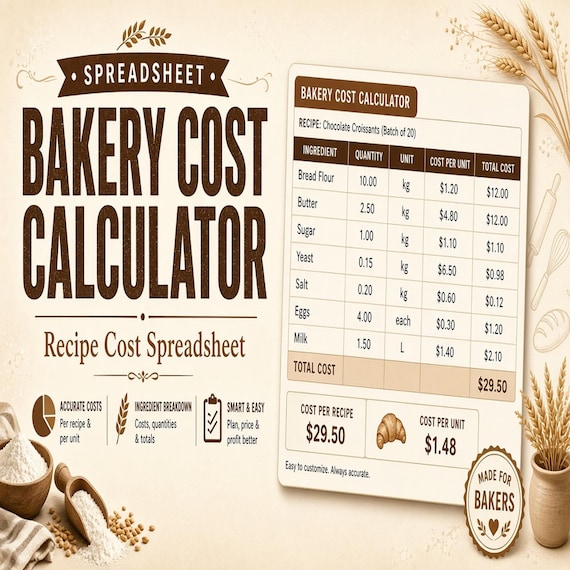
Bakery Pricing Calculator Spreadsheet
Stop underpricing cakes, cookies, and cottage bakery orders. This is an instant digital download designed for buyers who want a…
Pottery Studio Inventory Spreadsheet
This is a premium digital template kit for ceramic artists, pottery studios, market potters, small-batch makers, and class-based…
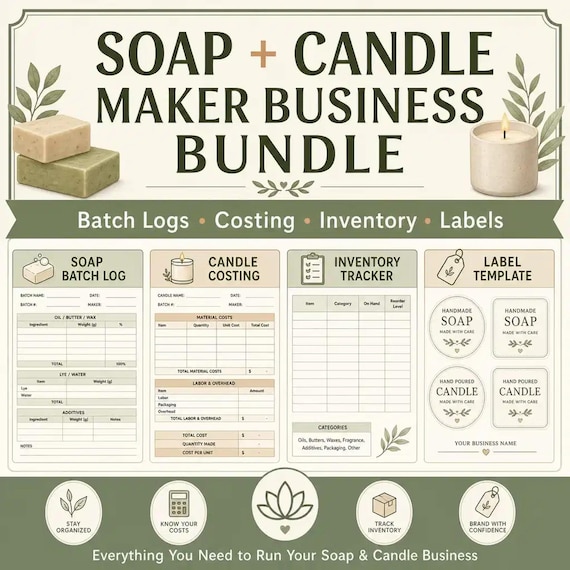
Soap and Candle Business Planner Bundle
Soap and Candle Maker Business Bundle, Batch Logs Costing Inventory and Label Templates
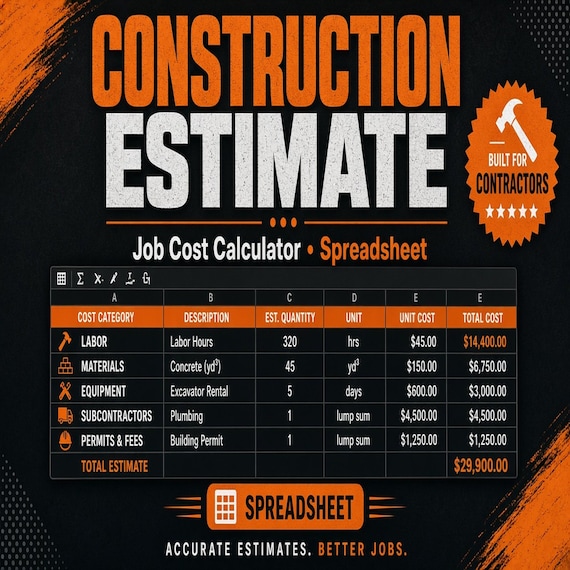
Construction Estimate Template Spreadsheet
A practical bid calculator for contractors, remodelers, and handyman jobs. This is an instant digital download built for a solo…
Editing the templates
Most forms come as editable Word (DOCX) files, fillable PDFs or Excel and Google Sheets calculators, and each listing names the exact formats. Add your logo, business name, prices and policies before you send anything to a client, and save a master copy so every new client starts from a clean form.
A note on contracts and consent
These templates are starting points, not legal advice. Rules for contracts, waivers, deposits and consent vary by state and by license. Have the final wording checked against your local requirements or by an attorney before you rely on it.
Step-by-step guides
- Client Intake and Consent Forms Checklist for Local Service Businesses
- Cleaning Business Forms Setup: Inquiry, Walkthrough, Estimate, Checklist, and Invoice
- Construction Estimate Calculator Spreadsheet: Bid Template Checklist
- Dog Grooming, Dog Walking, or Pet Sitting Forms? Choose the Right Pet-Service Template
- Tattoo Consent Form Setup: Record Intake, Deposit Policy, and Aftercare Handoff
- Lash Client Intake and Consent Form Checklist for Beauty Service Providers
- PMU Paperwork Workflow: Connect Intake, Color Notes, Touch-Ups, and Aftercare
- Event Rental Damage Checklist Setup: Record Checkout Condition, Returns, and Inventory Follow-Up
- Mobile Bar Event Workflow: Build the Order, Plan Batches, and Pack for Service
- Wash-and-Fold Order Workflow: Intake, Bag Tags, Status Tracking, and Pickup
- Facial Treatment Forms Setup: Record Skin Analysis, Intake, Consent, and Aftercare
- Waxing Forms Setup: Screen the Visit, Map Treated Areas, and Hand Off Aftercare
- Hair Extension Consultation Workflow: Record Goals, Install Details, and Maintenance Timing
- Piercing Consent Form Bundle: Aftercare and Intake Checklist
- Tooth Gem and Teeth Whitening Consent Form Checklist for Beauty Pros
- Post-Op Massage Forms: Build a Clear Intake-to-Follow-Up Record
- Photographer Mini Session Workflow Template: What to Check Before You Buy
- Wedding Florist Production Plan: Build Stem Counts, Design Recipes, and Delivery Checklists
- Tablet Photo Booth Launch Workflow: Offers, Paperwork, and Event Screens
- Bounce House Rental Turnaround Checklist: Delivery, Pickup, Cleaning, and Inventory Reset
- From Field Notes to Report Handoff: Organizing Home Inspection Photos and Issue Callouts
- DTF and UV Print Shop Upload Setup: Write Customer File Rules, Check Artwork, and Track Issues
- Horse Barn Management Spreadsheet Setup: Chores, Care Records, and Handoffs
- Tiny Tattoo Flash Day Workflow: Menu Codes, Client Choices, and Studio Handoffs
- How to Use Printable Tattoo Flash Sheets: File Formats, Sizing, and Test Prints
Frequently asked questions
Which form should a new service business set up first?
Start with the estimate and the service agreement. They set the price, the scope and your payment and cancellation terms before any work starts. Intake, job records and invoices can follow.
Can I add my logo and prices?
Yes. Word and fillable PDF versions are editable, and the spreadsheet calculators let you enter your own rates. Each Etsy listing lists the exact file formats included.
Are the contracts legally binding?
They're templates, not legal advice. Contract and consent rules vary by state and license, so have the final wording reviewed for where you work.
Do I need a consent form for beauty services?
Many beauty, body art and wellness services use written consent and aftercare instructions. Requirements differ by state and license, so check your local rules. The beauty and wellness section has consent and aftercare sets by service.