Event & Wedding Pros · Aug 29, 2026 · 15 min read
Wedding Florist Production Plan: Build Stem Counts, Design Recipes, and Delivery Checklists
A practical setup guide for turning approved wedding floral designs into per-piece recipes, verified stem totals, supplier orders, production pulls, and a venue-ready delivery checklist.
Confirm what the current florist download is built to organize
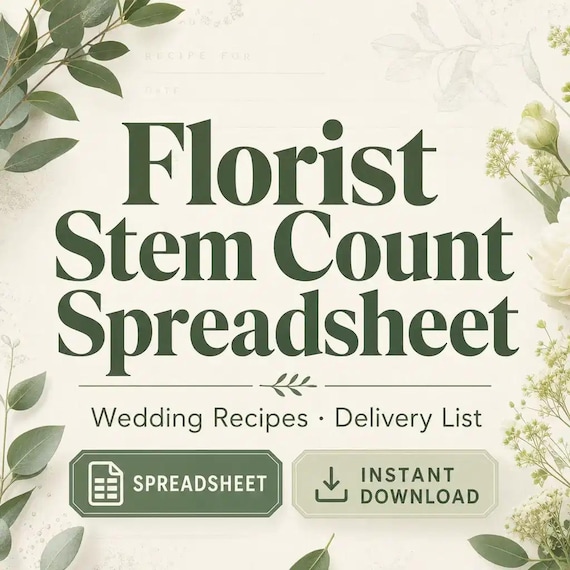
The current SteadyStackStudio florist package is a digital template kit for wedding florists, studio florists, floral designers, and event flower teams. The listed files are an Excel stem-count and order tracker, printable recipe cards and a delivery checklist in PDF, editable floral card templates in PowerPoint PPTX, a quick-start PDF, and a README or license note. The files arrive in a ZIP; no physical item is shipped.
That package can support a manual or spreadsheet-led event workflow, but its current description does not promise a proposal platform, contract, invoice system, live supplier connection, inventory integration, automatic purchasing, route planning, staff scheduling, or client portal. Review the current previews before choosing it. Confirm that the workbook fields, printable space, card layouts, and file formats fit the way your studio already quotes, orders, designs, and delivers.
The best use is to give one wedding a traceable path from an approved design list to the correct flowers at the correct venue location. Start with that path before adding extra columns. A smaller sheet that the entire team can follow is more useful than a complicated workbook whose totals, versions, and notes are understood by only one person.
- Use the Excel workbook for changing quantities, stem totals, order status, and event-level notes.
- Use the printable recipe cards at the design bench where a screen would slow the work.
- Use the PDF delivery checklist for the final load, arrival, setup, and handoff checks.
- Use the PPTX cards only for the stable labels or instructions they are suited to display.
- Keep your existing contracts, invoices, client approvals, and required records in their approved systems.
Choose the event-production path instead of the harvest-and-market path
A wedding florist stem-count system and a flower-farm harvest system may both mention stems and bouquet recipes, but they begin at different points. The event-production path starts with a confirmed wedding scope: named arrangements, approved quantities, design recipes, supplier orders, a production sequence, and venue delivery. The harvest path starts with what is growing or available, records usable stems, and allocates them across bouquets, orders, and market sales.
Use this guide when the immediate task is fulfilling a specific event. Use the companion cut-flower guide when the harder task is moving a farm harvest into sellable inventory and market plans. A farmer-florist may need both, but the two records should not compete. The farm record can show what is available; the event record should show what this wedding requires and what has been assigned to it.
Define the handoff between the two before entering real numbers. For example, locally grown inventory can be offered to an event only after the person responsible confirms the variety, usable quantity, timing, and substitution plan. Do not let an optimistic crop estimate silently become a promised wedding quantity. Keep availability, event requirement, and final allocation as separate facts.
- Event record: what the approved wedding designs require.
- Supply record: what a wholesaler, grower, or studio inventory can actually provide.
- Allocation record: what has been committed to this event after confirmation.
- Production record: what has been pulled, designed, packed, delivered, and handed off.
Freeze one approved floral item schedule before counting stems
Stem totals will keep moving if the item schedule is still vague. Before building recipes, create one event list that names every floral deliverable and its quantity. Separate personal flowers, ceremony pieces, reception pieces, installations, loose petals, cake flowers, and any other agreed item according to the studio's actual service. Give each design a short, stable code that can appear on the recipe card, spreadsheet row, packing label, vehicle zone, and venue checklist.
Record the version or approval date beside the event list. If the couple, planner, venue, or design lead changes a quantity or design after that point, treat it as a visible revision rather than quietly typing over the old total. The production team needs to know which version controls the flower order and which earlier version is no longer active. Keep the approval itself in the business's normal client record; the spreadsheet can reference it without becoming the contract.
Do not combine different jobs under a label such as reception flowers. A low centerpiece, head-table arrangement, bar arrangement, and welcome-table piece can use different recipes, mechanics, sizes, delivery positions, and setup times. If the design bench or delivery team must distinguish two items, the item schedule should distinguish them too.
- Give each design a code, plain-language name, quantity, venue location, and current version.
- Mark client-supplied vessels, rental pieces, or venue-provided items separately from floral ingredients.
- Keep optional or unapproved items out of the active production count.
- Record who can approve changes and how the revised item list reaches ordering, production, and delivery.
Build one repeatable recipe for each distinct design
A useful floral recipe describes one finished piece closely enough that another qualified team member can prepare it consistently. Start with the design code and version, then list each flower or foliage line, the intended variety or approved description, stems per finished piece, and any placement or preparation note the design lead needs. Keep mechanics and hard goods visible in their own area so they do not disappear behind the flower count.
Use a separate recipe when the size or construction changes. A bridesmaid bouquet should not share the bridal-bouquet recipe merely because the palette is the same. Likewise, two centerpieces with different vessel sizes or stem counts need different codes. Variations that truly use the same recipe can share a master, but their event quantities still need to be counted separately on the item schedule.
Test the recipe before treating it as final whenever the studio's process calls for a sample or mockup. Record the version that was actually approved or selected. If a recipe is adjusted during production, note the change and decide whether it applies to every remaining piece. The recipe card is a controlled instruction for this event, not a permanent promise that fresh materials will look identical in every season or shipment.
- Identify the event, design code, recipe version, piece quantity, and designer or lead.
- List flowers and foliage by the level of specificity the supplier order and design team require.
- Keep stems per piece separate from the number of pieces required.
- List vessels, mechanics, ribbon, labels, and other non-floral materials in a distinct check area.
- Add a reference image only through the studio's approved file and client-permission process.
Scale each recipe without hiding the arithmetic
The core calculation should remain easy to inspect: stems per piece multiplied by the number of pieces gives the base requirement for that recipe line. Keep those inputs visible rather than entering only a final total. When a quantity changes, the team should be able to see whether the recipe, the number of pieces, or both changed. This also makes it easier to find a typing error before an order is placed.
Combine totals by the exact purchasing description only after every active recipe has been included. Do not merge two colors, varieties, grades, or stem lengths merely because their common name looks similar. If one item can accept a substitute and another cannot, keep those needs distinguishable until the design lead decides how the order should be written.
Handle contingency quantities as a visible studio decision, not a universal percentage copied into every event. Fresh-product condition, design complexity, breakage history, supplier pack sizes, installation needs, and the studio's approved approach may all affect that decision. Record the base need and any additional quantity separately so the team can explain what was ordered and can review actual use afterward.
- Keep stems per piece, piece count, and base event need in separate fields.
- Show any additional quantity on its own line or field with a short reason.
- Group totals only when the purchasing description and substitution rules truly match.
- Check every active design code against the item schedule before finalizing the event total.
- Have a second person review changed quantities when the studio's normal control process requires it.
Control substitutions and revisions before they reach the order
Fresh flowers are subject to availability, variation, and supplier confirmation. Build a substitution area that distinguishes a requested item, an acceptable alternative, and the person authorized to approve the change. A broad note such as use something pink is not enough when color, form, size, scent, texture, or role in the design matters. Record alternatives at the useful level for the event and supplier conversation.
Keep the current order version visible. When a supplier confirms a substitution, update the purchasing record and the affected recipe cards together. Mark the superseded version so a designer does not follow an older printout at the bench. If the change affects price, client approval, design balance, mechanics, or timing, move it through the studio's existing approval process instead of assuming the spreadsheet settles the decision.
Use color swatches, variety names, reference images, or notes only as supporting information. Screen colors and edited photographs can mislead, and natural materials vary. The goal is not to force every stem to match a digital reference exactly. It is to keep the intended design role and the accepted fallback clear enough that ordering and production are working from the same decision.
- Record the requested line, first accepted alternative, second accepted alternative, and approval owner where needed.
- Mark items that require a specific variety or cannot be substituted without a new decision.
- Update the consolidated order and every affected production card from the same approved change.
- Remove or clearly mark old printouts so two versions cannot reach the design bench.
Translate stem totals into supplier units only after checking the pack size
A design total is not always the same as a supplier order quantity. Flowers and foliage may be offered by the stem, bunch, grower's bunch, box, or another supplier unit, and the number of stems in a bunch can vary by product and source. Keep the recipe total intact, then add the current supplier unit and pack quantity beside it. Ask the supplier or use the supplier's current list when the unit is unclear; do not rely on a remembered pack size from another order.
Group the order in the format your supplier asks for and include the event or pickup reference, needed date, requested product, quantity and unit, and accepted alternatives. Save the confirmation with the event record. If the confirmation differs from the request, reconcile it before updating the production plan. The requested order, confirmed order, received quantity, and usable quantity answer different questions and should not be collapsed into one cell.
Order timing depends on the supplier, event, product, studio policy, and current availability. Use the dates confirmed for this event rather than a universal deadline. Build follow-up dates into the event plan so an unanswered request or pending substitution cannot remain hidden until production week.
- Preserve the base stem requirement even after converting it to bunches, boxes, or other order units.
- Record the supplier, item description, current unit, requested quantity, needed date, and confirmation state.
- Save accepted substitutions and changed quantities with the current confirmation.
- Recheck the consolidated order after any item-schedule or recipe revision.
- Keep purchasing and client-payment decisions in the business systems designed for those jobs.
Separate confirmed, received, and usable quantities
When flowers arrive or are collected, compare the shipment with the current confirmation before the materials disappear into buckets, coolers, or work zones. Record what was received, note shortages or unexpected substitutions, and route concerns through the supplier's current process. Use the supplier's and studio's approved handling guidance for each product rather than treating a general spreadsheet as a care manual.
Keep the usable count separate from the received count. A package can arrive with the expected quantity while still requiring a quality decision, and an unexpected extra should not silently become part of a recipe. Record the factual condition and the approved next action without guessing at responsibility. If photos, barcodes, labels, or invoices are needed for supplier follow-up, store them with the controlled event or purchasing record.
After receiving is reconciled, assign materials to the event and production zone. If the studio is handling several events, use labels that make the wedding, design family, and required date clear without relying on memory. Do not mark a recipe ready merely because the supplier order arrived; it is ready only when the required usable materials and non-floral components are available under the studio's process.
- Compare the shipment with the latest confirmation as soon as the studio's process requires.
- Record requested, confirmed, received, usable, and unresolved quantities as separate states.
- Give every shortage, quality question, or unapproved substitution an owner and next action.
- Label event allocations before materials from several weddings can be mixed.
- Follow product-specific supplier guidance and qualified floral practice for processing and storage.
Turn recipe cards into a production pull and bench sequence
A recipe tells the team what belongs in one design; a production plan tells them what to make, in what sequence, by when, and where the finished piece will wait. Create a pull or staging list by design code. Include the number of pieces, current recipe version, flowers and materials to stage, assigned work area, responsible person, due point, finished-piece label, and storage or loading destination.
Sequence work around the studio's tested floral practice, staffing, space, venue schedule, and product needs. A spreadsheet should not prescribe when every species must be processed or designed. It should make the approved sequence and dependencies visible: materials received, recipes current, vessels available, work assigned, quality check complete, piece labeled, and delivery zone ready.
Use a simple completion check for each piece or batch. If a recipe changes at the bench, stop and update the controlled copy before the change spreads through the remaining quantity. Record leftover usable materials separately from missing recipe ingredients. This gives the post-event review a truthful comparison between what was planned, what arrived, what was used, and what remained.
- Stage by design code and current version, not by an informal description known to one designer.
- Give every batch a quantity, owner, due point, quality check, label, and destination.
- Keep finished-piece labels aligned with the delivery checklist and venue location names.
- Pause the batch when a recipe or material decision is unresolved.
- Record leftovers, substitutions, and shortages without editing the original base requirement.
Build the delivery checklist around venue locations and handoffs
The final checklist should translate the floral item schedule into a physical route through loading, arrival, setup, and handoff. Use the same design codes and location names found on the recipe cards and finished-piece labels. Record the event address, approved arrival window, venue contact, access instructions, loading area, parking or elevator information, setup zones, responsible team members, and any scheduled return or strike work that belongs to the florist's confirmed scope.
Separate loaded, arrived, placed, and handed off. A centerpiece can be in the vehicle but not at the venue; at the venue but not on the correct table; on the table but not checked against the approved count. Use checks that reflect the actual service. For a drop-off order, the final handoff may be very different from a full-service installation with room flips or later retrieval.
Keep venue rules, safety requirements, access permissions, insurance documents, installation approvals, and rental responsibilities in the systems and documents where the business manages them. The delivery checklist can point to those requirements and confirm completion, but it is not a substitute for a site plan, qualified installation method, contract, or venue authorization.
- Match every finished piece to a vehicle zone, venue location, and responsible person.
- Count vessels, mechanics, tools, labels, protective materials, and agreed extras as well as flowers.
- Confirm access, contact, arrival, setup, handoff, and return details before the vehicle leaves.
- Use separate checks for loaded, arrived, placed, approved, and retrieved when those stages apply.
- Close the checklist only after open issues and ownership have been handed to the right person.
Give the spreadsheet, PDF cards, and editable files different jobs
Keep the original ZIP and README unchanged in a source folder. Create a dated working copy for the studio and preserve a clean master before customizing labels, fields, or card wording. Decide which workbook is authoritative. If several people download or email separate copies, stem totals and versions can diverge even when every file looks complete.
Use the spreadsheet for information that changes and needs to be filtered or totaled. Use printed recipe cards for bench instructions and batch checks. Use the delivery checklist for the physical event handoff. Use editable PPTX cards for stable labels or display information after testing their print size and readability. Avoid copying every changing quantity into every format; connect the files with the event name, design code, and version instead.
Before entering client or event information, decide where the working files live, who can view or edit them, how old versions are marked, how paper is stored during production, and how completed event records are retained or removed under the business's current requirements. Train with unmistakably fictional details so a setup copy cannot be mistaken for a real wedding.
- Keep one untouched download, one approved master set, and one controlled event copy.
- Use stable event and design codes to connect the workbook, cards, labels, and checklist.
- Date or version every printout that could change after approval.
- Remove superseded cards from the bench and vehicle packet.
- Protect client, venue, supplier, and staff details according to the business's current process.
Test one fictional wedding and decide whether the file set fits
Before using the templates for a booked event, run a fictional wedding from item schedule to delivery. Include several design types, one quantity change, one supplier-unit question, one approved substitution, and two venue locations. Have another team member trace every number from the active item list to the recipe, consolidated order, receiving record, production card, finished label, and delivery checklist without verbal coaching.
Print the recipe and delivery pages at the size you plan to use. Check writing space, page breaks, contrast, label readability, and whether the design codes remain visible when cards are clipped, stacked, or placed at a bench. Open the XLSX and PPTX files on the actual computers that will edit them. Confirm that saved copies reopen correctly and that the formulas or fields shown in the current previews behave as expected before relying on them.
The featured kit is most suitable for a studio that wants an editable spreadsheet plus printable production and delivery tools and can maintain one controlled current copy. Choose a more capable floral or event platform when you need live multiuser controls, proposal and contract management, automatic supplier ordering, inventory integration, route optimization, client portals, payment tools, or other connected features. A template is a good fit only when it closes a real handoff gap without duplicating a system the team already trusts.
- Test a normal design, a revision, a substitution, a pack-size question, and a venue handoff.
- Ask someone who did not build the setup to trace quantities and versions independently.
- Use the real printer, computers, clipboards, labels, loading plan, and delivery packet.
- Fix duplicate fields, unclear ownership, hidden arithmetic, and version confusion before launch.
- Delete the fictional event after the approved master and training notes are complete.
Printables used in this guide
Instant downloads from the SteadyStackStudio Etsy shop.
Florist Spreadsheet
Florist stem count spreadsheet for wedding and event florists: Excel-first workbook with stem inventory, wedding recipe cards…
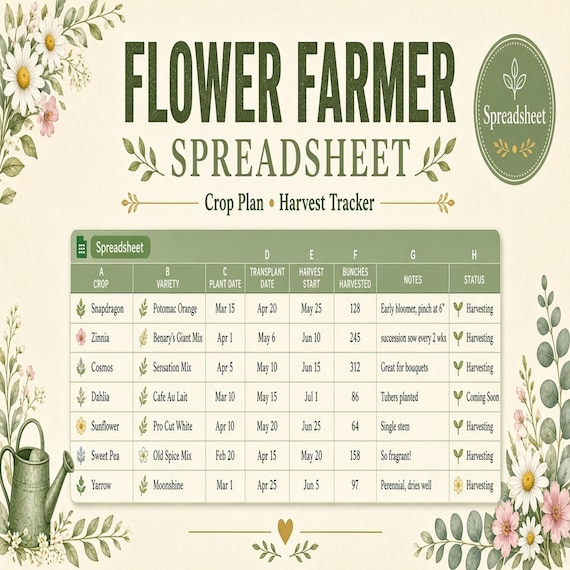
Flower Farm Planner Spreadsheet
The pages are designed to help you prepare, record decisions, and keep the next action visible without building your own system…
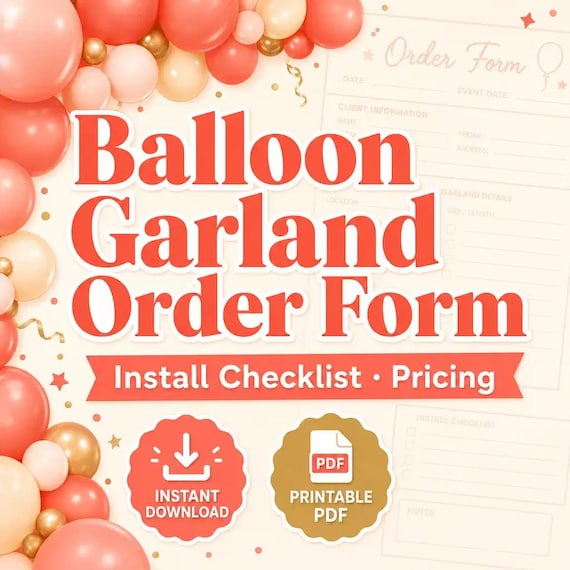
Balloon Order Form
Track client requests, garland footage, color palettes, install notes, add-ons, and setup-day checklists in one kit.
Mobile Bar Business Forms
Plan event drinks, batches, shopping lists, garnish prep, and bar-service notes without messy one-off spreadsheets.