Beauty & Wellness Forms · Jul 3, 2026 · 4 min read
Tooth Gem and Teeth Whitening Consent Form Checklist for Beauty Pros
A buyer-first checklist for choosing tooth gem and teeth whitening consent, intake, aftercare, and client record templates without confusing a pretty form for a complete appointment workflow.
What buyers usually compare first
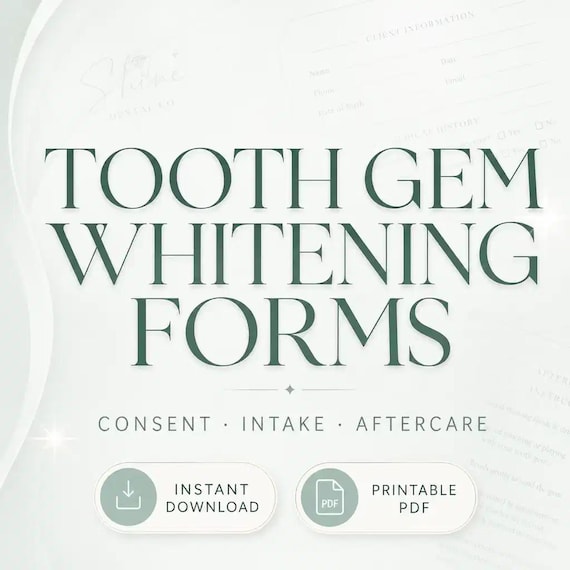
When comparing options, you will usually see Etsy printable packs, online form builders, Jotform-style consent templates, tooth gem aftercare pages, and teeth whitening intake forms. The repeated pattern is that buyers are not only searching for a waiver; they are comparing a complete client paperwork workflow: intake, consent, service notes, aftercare, and editable wording.
That matters because tooth gems and teeth whitening sit in the space between beauty, dental-adjacent services, and local compliance expectations. A useful download should help the provider collect relevant client information, explain the appointment in plain language, document the selected service, and give the client aftercare they can actually follow.
Start with the service menu before choosing a form bundle
A tooth gem form, a whitening form, and a general salon intake form can look similar in previews, but they do not solve the same job.
- Choose a tooth gem-specific form when the appointment includes tooth jewelry placement, tooth selection, adhesive-related questions, aftercare, and possible gem maintenance notes.
- Choose a teeth whitening-specific form when the appointment needs dental history questions, sensitivity notes, shade or session notes, and whitening aftercare instructions.
- Choose a combined bundle when the same studio offers both services and needs matching intake, consent, aftercare, and client-record pages in one workflow.
- Avoid using only a broad beauty consent form if the preview does not show tooth, gum, sensitivity, dental work, or whitening-specific questions.
What a tooth gem paperwork set should include
For tooth gems, the form should make the appointment easier to explain and easier to document. The buyer should be able to tell from the preview whether the pages cover the actual service, not just the client name and signature.
- Client intake: contact details, age or guardian workflow if needed, relevant dental history, tooth sensitivity, allergies or adhesive concerns, and notes about crowns, veneers, braces, retainers, or other dental work.
- Consent language: a clear description of the tooth gem service, acknowledgment that results and longevity can vary, signature and date fields, and optional photo permission if the studio uses before-and-after content.
- Service record: tooth location, gem style or size, appointment date, technician notes, product or adhesive notes where appropriate, and follow-up or removal notes.
- Aftercare card: short instructions the client can keep, including oral hygiene, avoiding hard or sticky foods at first, watching for loosening or irritation, and following the provider’s specific guidance.
What a teeth whitening form should cover
Whitening templates need a slightly different checklist because the client’s prior sensitivity, dental work, and expectations can affect whether the service is a good fit for the provider’s process.
- Intake questions: current sensitivity, recent dental work, gum irritation, restorations, crowns, veneers, braces or retainers, oral health concerns, and any provider-required screening questions.
- Consent and expectation setting: what service is being provided, possible temporary sensitivity, shade or session notes, client responsibilities, and a signature field.
- Aftercare: simple reminders about food, drink, oral hygiene, and when to contact the provider if discomfort or concerns continue.
- Record keeping: appointment date, product or session notes, shade notes if used, follow-up recommendations, and where signed forms will be stored.
PDF, Word, or online form: match the format to your appointment flow
You will usually see printable PDFs, editable Office or Word-style downloads, Canva-style templates, and hosted online form builders. The right choice depends on how clients complete paperwork.
- Choose printable PDF pages when clients complete forms in person, when you want a paper backup, or when the studio prefers a simple clipboard workflow.
- Choose editable Word or DOCX files when you need to add business name, appointment policies, local wording, service menu details, or insurer-requested language before printing.
- Choose a digital form builder only if you are prepared to manage links, signatures, privacy, storage, and client access consistently.
- Choose a bundle with aftercare cards when you want the client to leave with concise instructions instead of only signing a longer form.
How to compare tooth gem, whitening, and broader beauty bundles
The best purchase is usually the smallest bundle that covers the actual services on the menu. More pages are only helpful if they reduce repeat setup work.
- Buy a dedicated tooth gem and whitening bundle when those services are active or about to launch and you need service-specific wording now.
- Add dental office or teeth whitening social assets only if you also need promotional visuals for the same service line.
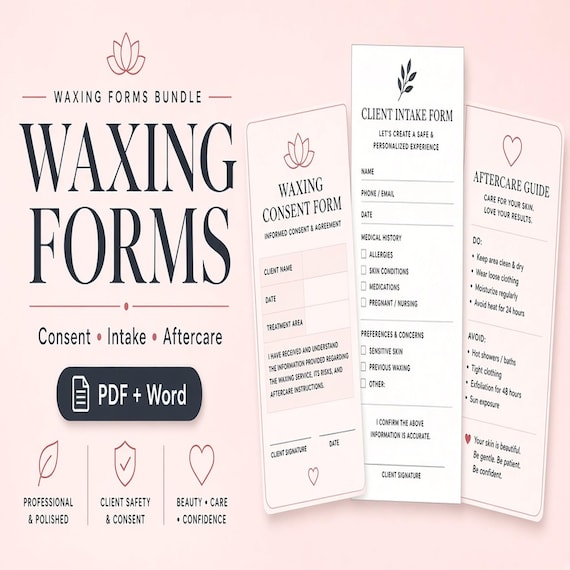
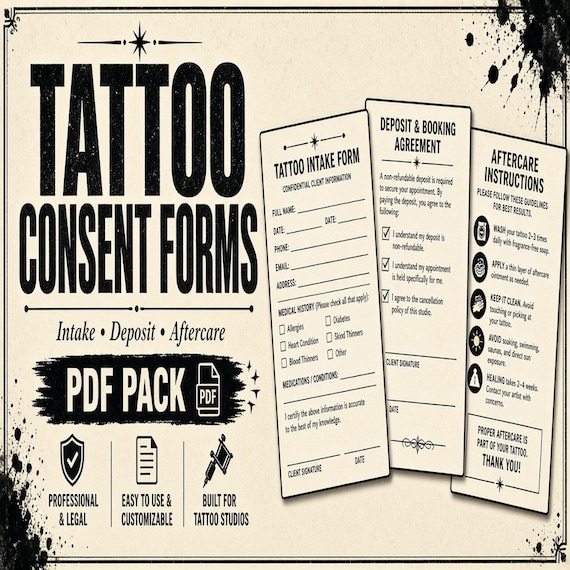
- Use lash, brow, facial, spray tan, or permanent jewelry forms when those services have their own intake and aftercare needs; do not let one generic page cover every treatment.
- Check the preview for real interior pages, not just cover mockups, and confirm the file types match your editing tools before opening Etsy.
Setup workflow after downloading the forms
A template is only useful after it becomes part of a repeatable appointment routine.
- Read every page and remove services, claims, or policy language that do not apply to your business.
- Add business details, appointment preparation instructions, cancellation or deposit policy language, and the exact service names clients will recognize.
- Print one test copy to check signature lines, contrast, spacing, and whether the aftercare card is short enough to hand to a client.
- Create a storage routine for blank forms, signed forms, service notes, and aftercare instructions so the download does not become another loose file.
Important scope reminder
Consent and aftercare templates can help organize information and make client communication more consistent, but they are not legal, dental, medical, licensing, or insurance advice. Local rules and professional scope vary widely.
Before using any template with clients, adapt it to the real service, remove language that does not fit, and have the final version reviewed if your licensing board, local regulator, insurer, dentist, attorney, or supervising professional requires specific wording.
Printables used in this guide
Instant downloads from the SteadyStackStudio Etsy shop.
Tooth Gem Consent Form
Tooth gem and whitening forms for cosmetic smile studios: 26-page fillable PDF with client intake, medical/dental screening…
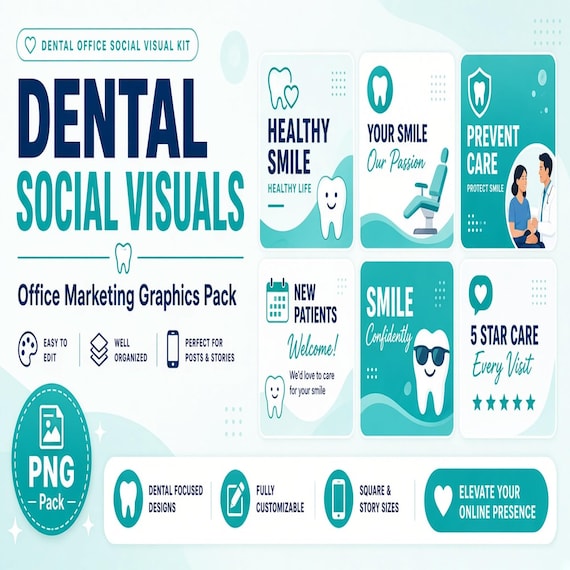
Dental Office Social Media Graphics
A premium empty-background visual kit for dental offices, hygienists, dental marketers, orthodontic clinics, and local social…
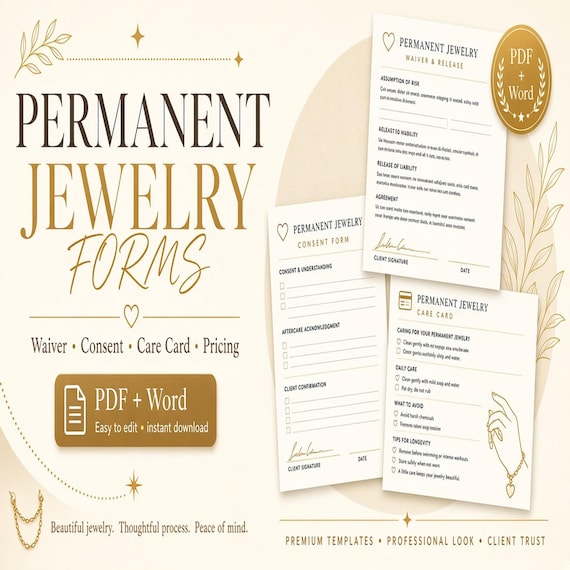
Permanent Jewelry Waiver & Consent Form
Client paperwork and pop-up readiness for permanent jewelry sellers. This is an instant digital download designed for buyers who…
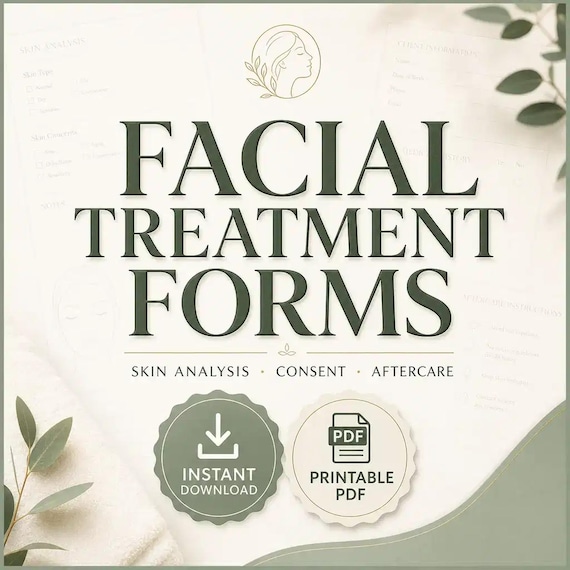
Facial Consent Form Bundle
Facial treatment forms bundle for estheticians and skincare studios: 26-page fillable PDF with skin analysis, client intake…