Beauty & Wellness Forms · Jul 4, 2026 · 4 min read
Client Intake and Consent Forms Checklist for Local Service Businesses
A practical checklist for organizing client intake, consent, aftercare, and policy paperwork in beauty, wellness, and service businesses.

Start with the appointment workflow
Client intake and consent forms are not just paperwork. They shape how a service provider collects information, explains the appointment, records notes, and gives aftercare or follow-up instructions. Start with the appointment flow before choosing a template.
A good form kit should help the provider move from inquiry to service to record keeping with fewer loose pages and fewer repeated explanations.
- Intake gathers contact details, service history, sensitivities, preferences, and appointment context.
- Consent explains the service, responsibilities, limitations, and signature/date acknowledgment.
- Treatment or service records capture what happened during the appointment.
- Aftercare gives the client clear instructions after they leave.
Choose service-specific forms when details matter
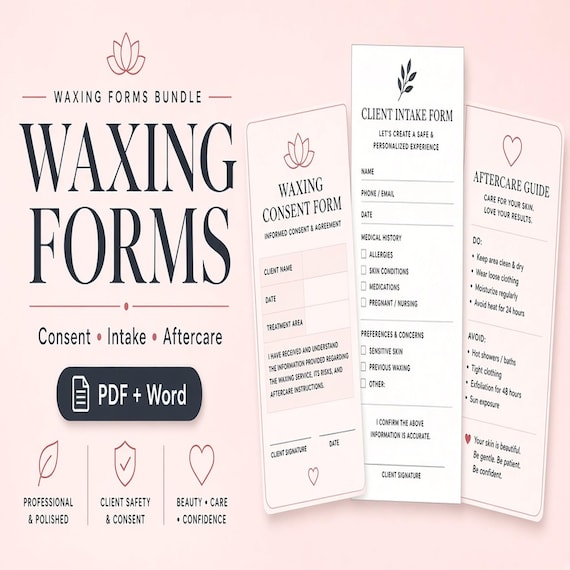
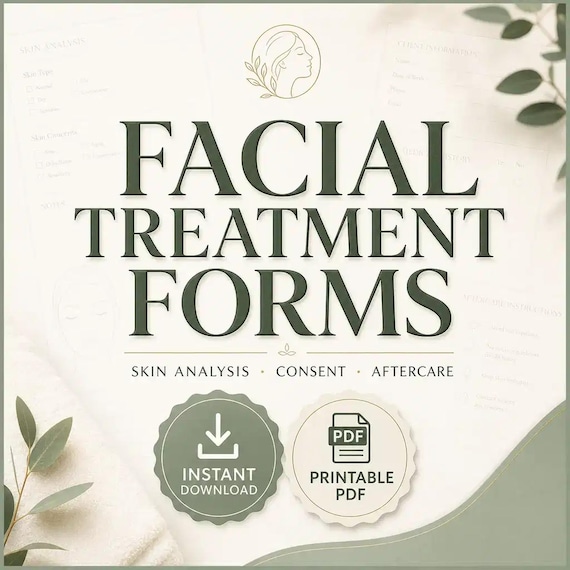
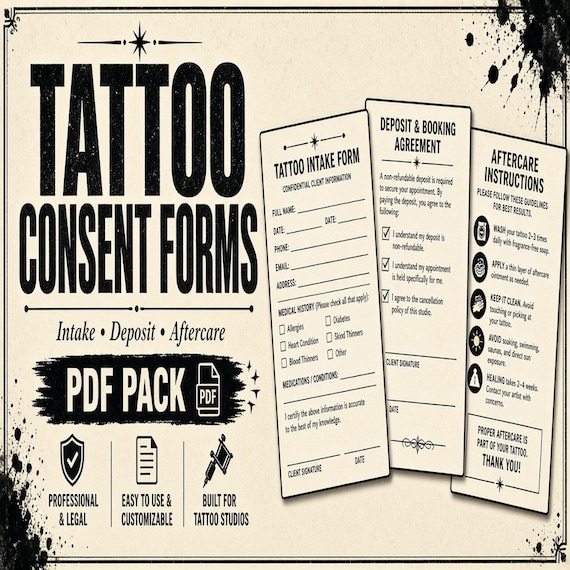
A general form can be fine for simple admin, but beauty, wellness, event, pet, notary, and home-service workflows often need service-specific questions. Lash, tooth gem, waxing, facial, photo booth, and event-rental forms should not all ask the exact same things.
- Look for prompts that match the actual service, not just generic name and signature lines.
- Check whether policies, aftercare, intake, and records are bundled together.
- Use narrower forms for services with specialized prep, contraindications, product sensitivities, client responsibilities, or setup needs.
- Avoid forms that require so much rewriting that starting from a blank document would be easier.
Check the editable file format
Most service businesses need to customize forms before using them. The listing should make file formats obvious so you know whether you can edit business names, policies, contact details, local wording, service names, and instructions.
- PDF is useful for clean printing and simple use.
- Word or DOCX is useful when you need to customize language.
- Excel or spreadsheets help with logs, trackers, and repeat appointment records.
- Canva or other online editors can be useful only if you already use that workflow.
Set up the forms before clients see them
After downloading a kit, read every page, remove anything that does not match your service, and add the exact business details clients need. Then print or export one test copy and check writing space, signature lines, contrast, and whether the flow makes sense from the client’s point of view.
The goal is a repeatable routine: blank forms stored together, signed forms saved consistently, and aftercare pages easy to hand off or send.
When a template may not be enough
Consent, waiver, intake, and aftercare templates can organize a workflow, but they are not legal, medical, licensing, insurance, or compliance advice. Requirements vary by location, industry, insurer, and professional scope.
- Have the final wording reviewed if your regulator, board, insurer, attorney, or supervisor requires it.
- Do not use a template to offer services outside your license, training, or allowed scope.
- Use templates as a starting structure, then adapt them to the real appointment and local requirements.
Recommended next step
Compare the form kits by service type first, then by file format and included pages. Open the product preview on SteadyStackStudio, check the Etsy listing photos and details, and choose the smallest complete kit that matches the appointments you actually provide.
When this download may not be the right fit
A good match for Client Intake and Consent Forms Checklist for Local Service Businesses should be practical, specific, and easy to use after checkout. It may not be the right fit if you need a fully custom service, physical printed materials shipped to you, professional review included with the purchase, or a file format the listing does not show. Use this page as a comparison step, not as a promise that every download will fit every business, event, printer, device, or professional requirement.
- Check the preview images and file details before opening Etsy.
- Choose the smallest complete download that solves the real job.
- Use related product pages when another format, worksheet role, template type, or bundle level fits better.
- For consent, financial, therapy, dental, beauty, or legal-adjacent uses, review the final wording or spreadsheet setup against your local requirements before relying on it.
Before you click through to Etsy
Use the SteadyStackStudio product preview as a final check. Confirm the title, price, file type, preview image, and related downloads all point to the same job you came here to solve. If the recommended product looks close but not exact, compare the other downloads in the same topic hub before leaving the site.
Once the product page and Etsy listing agree on what is included, the Etsy click is the checkout step rather than a blind jump. Answer the question first, compare the matching download second, then use Etsy only when the fit is clear.
- Open the matching product page if you want a larger preview and related options.
- Use the Etsy button when the file format and use case are clear.
- Skip the purchase if the preview does not show enough detail for the way you plan to use the download.
Printables used in this guide
Instant downloads from the SteadyStackStudio Etsy shop.
Lash Tech Consent Forms
Lash tech forms bundle for lash artists and beauty studios: 26-page fillable PDF with consent, client intake, contraindication…
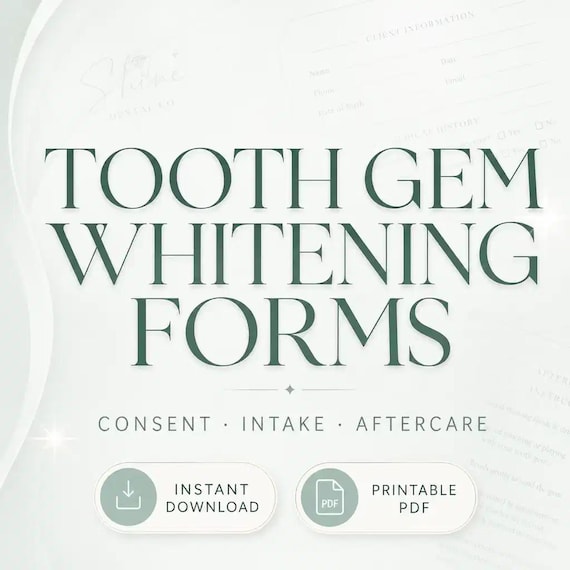
Tooth Gem Consent Form
Tooth gem and whitening forms for cosmetic smile studios: 26-page fillable PDF with client intake, medical/dental screening…
Lymphatic Drainage Forms
Sharper service-specific paperwork for post-op lymphatic drainage providers. This is an instant digital download built for a solo…
iPad Photo Booth Templates
A downloadable iPad photo booth template bundle with start screens, overlay assets, flyer designs, contract-style forms and…