Tattoo Flash · Sep 6, 2026 · 15 min read
Tiny Hand Tattoo Flash Sheet Setup: Print at Finger Scale and Check Line Readability
A practical setup plan for using a tiny hand and finger flash sheet pack: confirm the JPG, PNG, and PDF sheets, print one motif at the intended size, check whether the lines still read, and know when a large individual-PNG library fits better.
Confirm what the current download includes
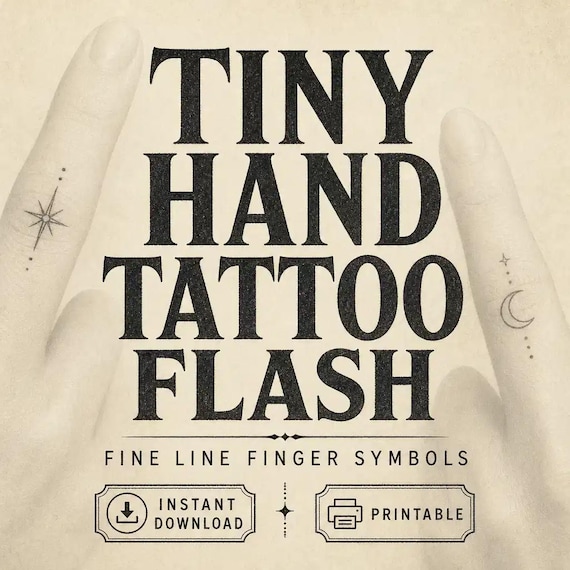
Start with the files the current listing actually describes. The SteadyStackStudio tiny hand tattoo flash pack is a digital artwork bundle of finished flash sheets aimed at tattoo artists, apprentices, stencil-practice users, and people collecting tiny hand and finger ideas. The listed contents are eight high-resolution JPG artwork sheets, eight matching PNG artwork sheets, one printable PDF that contains those artwork sheets, and a README/license note. It is an instant digital download. No physical flash print, stencil paper, temporary tattoo, or transfer ships.
Open the README first, then keep the original ZIP and one untouched copy. Compare the listed pieces with the job you need. This pack is a coordinated set of finished visual sheets. The listing is explicit that it does not include SVG or vector files and does not claim transparent individual cutouts. If you expected 128 separate motif files, a Procreate stamp set, or one isolated PNG per symbol, stop there. That is a different download.
The listing is also explicit about scope. The sheets are artwork and reference pages. They are not a promise that every line will survive a finger placement, a thermal transfer, or a printer. Colors can shift by device, software, printer, paper, export settings, and platform compression. You remain responsible for final review, printer and software settings, professional use requirements, and trademark or copyright safety for the specific project. Use the files as the listing describes. Do not treat the download as a pack you can resell, share, upload, or claim as your own competing digital product.
- Verify that the ZIP matches the listed eight JPG sheets, eight PNG sheets, PDF, and README.
- Read the license note before you print a consult board or a client preview.
- Keep an untouched master copy and make a separate working copy.
- Treat the pack as finished artwork sheets, not as individual cutouts or a shipped stencil.
Decide whether a sheet pack is the right tool for hand and finger work
This pack fits when the missing piece is a cohesive set of tiny hand and finger flash pages you can browse, print, and mark up. A studio that wants a wall sheet, a consult binder page, or a practice print can open the PDF or a JPG and see several motifs together. A collector building an idea book can print the sheets and circle candidates without unzipping a hundred separate files. The matching PNG sheets give you the same finished pages in a format that many design apps open cleanly. That is useful when the job is “show a board of small symbols,” not “drop one isolated icon onto a mockup.”
It also fits when you already know the placement is a finger, knuckle, side of the hand, or similarly small canvas. Tiny work fails when a design that looks sharp on a full page is still the size of a coin on skin. A sheet pack lets you print, crop, and hold a motif against the actual finger before anyone talks about stencil paper. That check is the point of this guide. The pack does not replace a licensed tattooer’s placement, stencil, and aftercare process.
Skip this pack, or use it only as a mood board, if the job requires a separate transparent file for every design. The listing does not claim individual cutouts. Skip it if you need a vector file you can infinitely scale, a ready-made skin transfer, or a flash-day menu with coded choices pulled from a 128-design library. Skip it if you wanted a physical print in the mail. In those cases, choose the neighboring download that actually lists those files, or work with a professional who will redraw at the true size.
- Use this pack when you need finished hand and finger flash pages to browse and print.
- Use it when the next step is a scale check on a real finger, not a giant back-piece composition.
- Do not expect isolated transparent motifs, SVG files, or a shipped transfer.
- Do not buy it first if the real need is a large individual-PNG library for a flash-day menu.
Protect the masters and set up a working copy
Download the ZIP once, unzip it into a folder you will not edit, and duplicate that folder for daily work. Name the master something obvious, such as original-tiny-hand-flash, and leave it closed. All printing, cropping, and notes happen in the working copy. If a print settings experiment flattens a PNG or a crop goes too tight, you still have the listed files.
Keep the three formats in their roles. The PDF is the easiest full-set print for a binder or a single printer job. The JPG sheets are convenient for a quick paper print or a phone preview. The PNG sheets are the same finished pages in a format many editing apps prefer. Do not assume the PNG sheets behave like isolated stickers. They are matching artwork sheets. If you crop a motif, you are cutting a region out of a finished page, not opening a dedicated cutout file.
Write a one-line use note in the working folder: consult board, personal idea book, apprentice practice print, or client preview. That note stops the same files from being used as a thermal stencil source on Monday and as a social graphic on Tuesday without a fresh review. Single-buyer commercial use for finished projects is included as the listing describes. The raw sheets are not a competing pack you can redistribute. If more than one person will print from the files, keep one working copy and a short rule about who may export a crop.
- Unzip once, keep a locked master, and edit only a duplicate.
- Use the PDF for a full-set print, JPG for a quick page, and PNG as the matching sheet — not as cutouts.
- Write the intended job on the working folder so the same files are not reused blindly.
- Follow the listed license: finished-project use is not the same as reselling the raw pack.
Print one test sheet at the intended finger or hand scale
Do not print the whole PDF at “fit to page” and call the pack ready. A flash sheet is a gallery. A finger is not. Pick one motif you might actually place, and print it at the size it would occupy on the finger, knuckle, side of the hand, or outer hand. Hold that print against the real placement. If the design only looks finished when it is still the size it appears on the full sheet, it is not a finger design yet. It is a page design.
A practical size check used across studios is simple: extra-small work often sits under about an inch, many small symbols sit in a one-to-two-inch range, and finger pieces are commonly even smaller than that because the canvas is a narrow phalanx, not a forearm. Hand and finger skin also moves, washes, and wears faster than a covered arm. Those ranges are planning aids, not a medical or style guarantee. Your licensed tattooer still decides whether a line will hold. The test print exists so you do not walk into that conversation with a page-sized drawing and a finger-sized hope.
Print on ordinary paper first. Use 100 percent scale if the software offers it, or measure the printed motif with a ruler and compare it to the finger. If the printer shrunk the page to fit margins, the test is lying. Mark the print with the date, the motif you cropped, and the measured width. Keep that marked page in the working folder. One honest test print is more useful than eight decorative sheets you never held against skin.
- Print one candidate motif at the size it would occupy on the finger or hand, not at full-page display size.
- Hold the print on the real placement and measure the width with a ruler.
- Treat extra-small and finger-scale ranges as planning aids, not as a promise the design will age well.
- Keep the marked test print; do not trust a screen preview alone.
Check line readability before you treat a sheet as a stencil source
Fine-line sheets can look crisp on a monitor and collapse on a finger. After the size print, step back about an arm’s length and look again. If the main lines disappear, or two strokes merge into one gray smudge, the design is too delicate for that scale as printed. Hand and finger placements are also unforgiving: the skin is thinner, the transfer is less reliable, and small work is often asked to stay readable after washing and friction. A sheet that works as wall flash may still need heavier, simpler lines before anyone should treat it as a stencil source.
This pack is artwork and reference, not a finished thermal stencil. A tattoo stencil that transfers cleanly usually needs line weight that survives paper, skin, and the first needle passes. Reference illustrations often include hairline detail that will not survive that path. Your check is visual, not a substitute for a professional stencil. Ask: which lines are the identity of the symbol, and which lines are decoration that only works at page size? Circle the identity lines on the test print. Cross out anything that vanishes at arm’s length.
If the motif only reads when you squint at the full sheet, do not send that crop to a consult as “ready.” Either print it larger on a part of the hand that can hold it, choose a simpler neighboring pack such as the minimal heart sheets, or take the idea to a licensed tattooer who will redraw it. The listing already tells you that the buyer is responsible for professional use requirements. The readability check is how you honor that line before anyone is in the chair.
- View the test print at arm’s length; if the main lines vanish, the scale is too small for those strokes.
- Treat the sheets as reference art, not as a thermal stencil that is ready for skin.
- Circle the lines that still read; drop the decoration that only works at page size.
- Hand a simplified, measured print to a licensed tattooer instead of a full decorative sheet.
Crop a motif from a sheet without expecting individual cutouts
Because this listing does not include transparent individual cutouts, any single-symbol file you need has to be cropped from a sheet. Work in the duplicate PNG or JPG page. Select one motif with a margin of empty space around it so you do not clip a serif, a spark, or a neighboring design. Export that crop with a clear name: placement, measured width, and date. Keep the uncropped sheet. A crop is a working tool, not a replacement master.
Expect a background. JPG has no transparency. The PNG sheets are matching artwork sheets, not a promise of isolated icons on glass. If you need a motif on a mockup, a social graphic, or a consult overlay, you may still see the sheet background in the crop. That is expected. Do not spend an hour trying to force a cutout the product does not list. If isolated transparent files are the actual job, the tiny fine line bundle is the neighboring download that lists 128 separate transparent PNG designs on 1200 × 1200 px canvases, plus eight A4 flash sheets.
When you crop, resist the urge to sharpen, thicken, or auto-trace until the symbol looks like a logo. Those edits can invent lines that were never in the artwork and can create a file you then treat as original flash. If you adapt a motif for a finished project under the listed license, keep a note of what changed. If the next step is a real tattoo, the professional who stencils it should control line weight, not an aggressive filter.
- Crop from the working copy and leave a margin; do not overwrite the master sheet.
- Name the crop with placement, measured width, and date.
- Do not expect a transparent cutout from this pack; the listing does not include those files.
- Switch to the 128-design tiny fine line bundle when you truly need separate transparent PNGs.
Keep artwork choice separate from consent, stencil, and skin work
A flash sheet helps a person choose an idea. It does not replace intake, consent, deposit policy, or aftercare. If you are a studio, keep the printed sheet or coded choice in the consult folder, then use your own consent and aftercare forms for the appointment. If you are a collector planning a tattoo, take the measured test print to a licensed professional. Do not treat a digital flash pack as permission to tattoo yourself or someone else.
Write down what the client or you actually chose: which sheet, which motif, which measured width, and which placement. That record prevents the “it looked bigger on the PDF” conversation. It also keeps the artwork choice from being confused with a stencil that has already been adapted. The sheet is the menu. The professional stencil is a later file, often redrawn, mirrored, or simplified for that body part.
The listing discloses that the finished visual assets were created and curated with AI-assisted image tools. Say that plainly if a client, shop, or printer needs to know the source of the artwork. It does not make the files illegal or unusable. It does mean you should still review trademark and copyright safety for the specific project, as the listing already requires. A tiny symbol that resembles a protected logo is not a good finger tattoo even if it prints cleanly.
- Use the sheets to choose and measure an idea; use separate studio paperwork for consent and care.
- Record the sheet, motif, measured width, and placement before anyone stencils.
- Leave stencil adaptation, mirroring, and skin work to a licensed professional.
- Review trademark and copyright safety; the pack is reference art, not a legal clearance.
Choose sheets, a large PNG library, or a narrower motif pack
Choose this tiny hand pack when the missing piece is a coordinated set of hand and finger flash pages: eight JPG sheets, eight matching PNG sheets, and one PDF. It is the right first download if you want to print a board, crop a few symbols, and test finger scale. It is not the right first download if you already know you need one file per design.
Choose the tiny fine line bundle when the job is a large library. That listing includes 128 separate transparent PNG design files, eight A4 PNG flash sheets at 2480 × 3508 px and 300 DPI, matching A4 JPG sheets, and an eight-page A4 PDF, organized across eight themes. That is the pack behind the flash-day menu workflow: coded choices, a browsing set, and a handoff into professional review. Use it when you need to isolate a motif without cropping a finished page.
Choose a narrower motif pack when the consult is already about one subject. The minimal heart pack lists five JPG sheets, five matching PNG copies, and one compiled PDF. The celestial sun and moon pack, the witchcore botanical pack, and the gothic moth pack each list eight JPG sheets, eight matching PNG sheets, and a PDF, the same sheet structure as the tiny hand set. Those neighboring packs help when the client wants hearts, moon-and-star symbols, botanicals, or moths rather than a mixed hand-and-finger board. Confirm the current title, price, and file list on each product page before you leave for checkout.
- Use the tiny hand pack for finished finger-and-hand flash pages and a scale test.
- Use the 128-design tiny fine line bundle when you need separate transparent PNGs and A4 sheets.
- Use heart, celestial, botanical, or moth packs when the consult is already a single motif family.
- Confirm each listing’s file list on the product page; do not assume every flash pack includes cutouts.
Watch for setup mistakes that waste a print or confuse a consult
The pack fails in predictable ways. The first is printing the PDF to fill a letter or A4 page and treating that gallery size as the tattoo size. The second is sending a client the full sheet and asking them to “just pick one” with no measured print, so they choose a design that only works at page scale. The third is forcing a transparent cutout that the listing does not include, then blaming the PNG sheets. The fourth is using a crop as a thermal stencil without a professional redraw. The fifth is stacking this pack and the 128-design library in one folder until nobody knows which file is a sheet and which file is an isolated PNG.
A sixth mistake is ignoring wear. Hands and fingers wash, flex, and catch light all day. A hairline symbol that looks elegant on a sheet can become a blur faster than the same symbol on an inner arm. That is a planning fact, not a reason to skip tiny work. It is a reason to keep designs simple at the printed size and to plan for a professional’s judgment about touch-ups. A seventh mistake is skipping the license and README, then using the raw sheets as a competing download. An eighth is storing client names, deposits, or medical notes in the same folder as the flash files.
Do a final pass after the first real consult or idea-book session. You should have an untouched master, a working copy, one measured test print, and a written motif choice. If a crop cannot pass the arm’s-length readability check, it is not ready. Digital files only. No physical item ships. Buyer is responsible for checking suitability for their own workflow, printer, and professional requirements.
- Never treat a full-page sheet print as the tattoo size.
- Do not invent cutouts or stencils the listing does not include.
- Keep sheet packs and individual-PNG libraries in separate working folders.
- Keep client records out of the artwork folder.
- Remember that the pack is reference art; it does not tattoo, stencil, or guarantee healing.
When this download may not be the right fit
A good match for Tiny Hand Tattoo Flash Sheet Setup: Print at Finger Scale and Check Line Readability should be practical, specific, and honest about the files. It may not be the right fit if you need a fully custom tattoo drawing, physical printed sheets shipped to you, professional stencil paper included with the purchase, SVG or vector files, or individual transparent cutouts the listing does not show. Use this page as a comparison step, not as a promise that every flash sheet will fit every finger, printer, device, or professional requirement.
It is also the wrong first purchase if the real bottleneck is studio paperwork, a flash-day menu with choice codes, or a large themed library you can isolate file by file. In those cases, use the neighboring guides and downloads, then come back only if you still want a dedicated hand-and-finger sheet set. For any tattoo on skin, a licensed professional should review line weight, placement, and stencil preparation. This pack does not replace that review.
- Check the preview images and file details before opening Etsy.
- Choose the smallest complete download that solves the real job.
- Use related product pages when another format, motif family, or individual-PNG library fits better.
- For tattoo, stencil, or skin use, review the final artwork with a licensed professional before relying on it.
Before you click through to Etsy
Use the SteadyStackStudio product preview as a final check. Confirm the title, price, file type, preview image, and related downloads all point to the same job you came here to solve: printable tiny hand and finger flash sheets in JPG, PNG, and PDF, without individual cutouts. If the recommended product looks close but not exact, compare the tiny fine line bundle and the narrower motif packs in the same topic hub before leaving the site.
Once the product page and Etsy listing agree on what is included, the Etsy click is the checkout step rather than a blind jump. Answer the scale-and-file question first, compare the matching download second, then use Etsy only when the fit is clear.
- Confirm eight JPG sheets, eight PNG sheets, one PDF, and a README on the current product page.
- Confirm the listing still says there are no SVG files and no individual cutouts.
- Compare the 128-design tiny fine line bundle if you need isolated transparent PNGs.
- Open Etsy only after the file list and the finger-scale job match.
Printables used in this guide
Instant downloads from the SteadyStackStudio Etsy shop.
Tiny Hand Tattoo Flash Sheet
I built these tiny hand tattoo flash sheets for fine-line artists who need ready-to-print finger and hand motifs without…
Fine Line Tattoo Flash Sheet Bundle
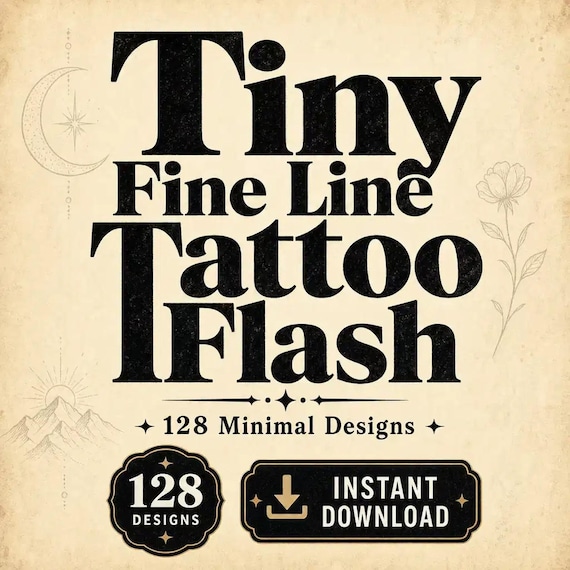
Tiny Fine Line Tattoo Flash Bundle — 128 minimal designs in one instant-download pack. A practical gift for a tattoo artist or…
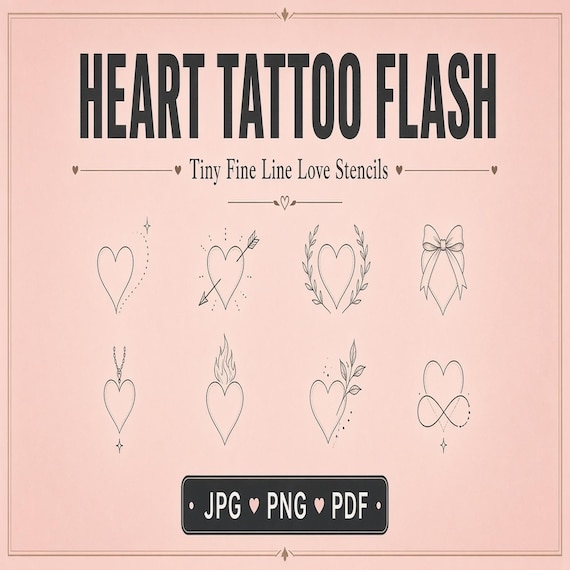
Tiny Heart Tattoo Flash Sheet
I built these minimal heart tattoo flash sheets for tiny fine-line studios that need ready-to-print love motifs without redrawing…
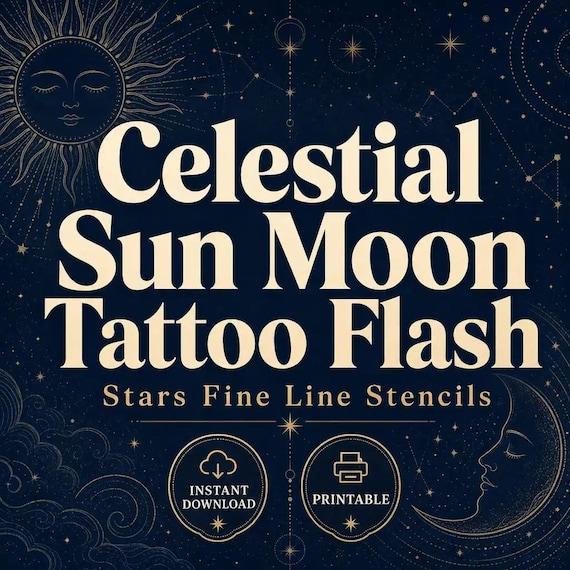
Sun and Moon Tattoo Flash Sheet
I built these celestial sun and moon tattoo flash sheets for fine-line studios that need ready-to-print star and cosmic motifs…