Small Business Templates · Sep 23, 2026 · 11 min read
Balloon Garland Order Setup: Confirm Footage, Palette, Pricing, and the Install Checklist
A practical setup for balloon decorators who need one written order before install day. Confirm the Excel tracker, printable order and install PDF, and palette cards, then record the span, color names, add-ons, and handoff notes the person on site can actually use.
Start with the install, not the inspiration photo
A balloon garland order is finished when someone else could install it without calling you from the venue parking lot. A client photo shows a mood. It does not show the wall width, the ceiling height, the attachment rules, the balloon color names, or the minutes you have before guests arrive.
Write four facts before you open a palette card. If any of them is still blank, the order is a sketch, not a job you should buy balloons for.
- Event date, arrival window, and the time the piece must be finished.
- Indoor or outdoor, and whether the piece will sit in sun, wind, or a tent.
- The surface it attaches to, in the venue's words, not a guess from a photo.
- Who approves the look: the client, a planner, or a venue coordinator.
Confirm the files before you customize a working copy
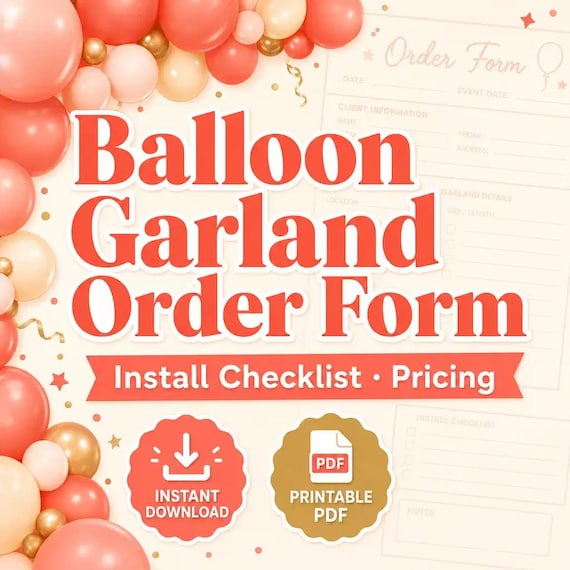
The Balloon Garland Event Order Form is a digital download for balloon decorators, party stylists, event setup businesses, and side-hustle party pros. The current listing describes an Excel order and pricing tracker, a printable install and client order PDF, editable color palette and setup cards in PPTX, a quick-start PDF, and a README with a license note. Confirm that file list on the product page before you plan around a file that is not there.
After checkout, download the ZIP and open the quick-start PDF first. Then open the workbook, the printable PDF, and the PPTX cards on the computer you will actually use. Keep one blank copy of each file. Customize a duplicate for the event. If a later inquiry needs a fresh start, you should not have to erase last month's client names to begin.
Do not assume a Google Sheets file is included. The listed tracker is an Excel workbook. If you prefer to work in Sheets, import a copy only after the workbook opens and the cells you rely on still make sense. Screen colors and home-printer colors can differ from the balloons in your hand. Treat a printed palette card as a label for the order, not as proof that the latex will match.
The kit is a planning tool. It organizes client requests, footage, palettes, install notes, add-ons, and a setup-day checklist. It does not replace venue rules, insurance questions, rigging decisions, or local business requirements. Record those facts when they change the job, and handle them with the people who are responsible for them.
- Open the quick-start PDF before you edit anything else.
- Check that the XLSX, printable PDF, and PPTX cards all open.
- Save a blank copy, then customize a duplicate for this event.
- Read the README so you know what the download is, and what it is not.
Name the piece before you measure it
Clients say garland, arch, backdrop, and balloon wall as if those words describe the same span. They do not. Ask which piece you are building and write the answer on the order before you talk about price.
Also write the style in plain words: a structured piece with even sizes, or an organic piece with mixed sizes and an uneven outline. An organic shape needs more volume than a flat line of balloons across the same visual length. If you only record a six-foot garland and the client wanted a thick organic backdrop, both the balloon count and the price will be short.
- A garland along a wall, table edge, or railing.
- An arch or doorway piece with ends that meet the floor or a stand.
- A backdrop behind a table, sweetheart table, or photo spot.
- A smaller accent, such as a cake-table cluster or a welcome-sign cluster.
Measure the span, then estimate volume as a separate line
Ask for a measurement, not a vibe. The useful number is the finished span: the width of the wall, the width of the arch, or the length of the table edge the piece has to cover. If the client cannot measure, ask for a photo with a door, chair, or table in the frame and mark the number as an estimate until someone confirms it.
Then write a second number: balloon volume. Visual length undercounts an organic garland because clusters have depth, not just width. Mixed sizes, a thicker outline, and a spare pile for breaks all add balloons that a wall measurement will not show. Do not copy another decorator's count into your quote. Estimate volume from your own cluster method, the balloon sizes you will use, and the thickness the client approved.
If the span is still an estimate on the morning you buy balloons, the order is not ready to price as a firm install. Update the workbook when the measurement changes, and update the client PDF if the change also changes the price or the look.
- Finished span, with the unit, and whether it is measured or estimated.
- Shape: flat garland, thick organic garland, arch, or backdrop.
- Balloon sizes you plan to use for this piece.
- A spare count you will actually pack, not a number you hope you will not need.
Lock colors with names, not with a screenshot
Screen colors drift. Phone photos drift more. A palette card is useful only when it names balloons you can reorder.
Ask for a short palette, usually two to four colors, and write the dominant color first. A tight palette is easier to match on install morning than six colors that looked fine in a collage. If the client needs a brand color, a school color, or a flower color to match, write the balloon brand and color name once you have checked it against a physical balloon or a brand color chart. The PPTX cards can label that choice for approval. They cannot prove the latex will match a hex code on a phone.
Look at the card in light that is close to the venue if you can. A navy that looks black in a dim photo may be the right balloon, or it may be the wrong one. Note the decision on the order so the installer does not try to fix it on site.
- Write balloon brand and color names, not only 'dusty blue' from a screenshot.
- Mark one dominant color and the accent colors separately.
- Note any color the client rejected, so it does not reappear on the printed card.
- Tell the client that printed and screen colors can differ from the balloons.
Split structure, accents, and add-ons before you price
A garland quote gets messy when flowers, a neon sign, a number, and a matching bouquet are buried in one price. Split the lines before you send a number. The client should be able to see what is included. You should be able to see what changed if they add a second piece later.
The Excel tracker is there for order and pricing notes. Use it for the lines you actually charge. If a field in the workbook does not match your business, edit a working copy rather than forcing the job into a column that means something else. The printable client order PDF is the page the client can read. The workbook can hold the fuller shop notes.
- Structure: the garland, arch, or backdrop, with span and style.
- Accents that change the look: florals, ribbon, a sign, a number, or a topper.
- Extra pieces: a cake cluster, welcome sign, aisle markers, or a pickup bouquet.
- Labor that is not the build: travel, early access, a second person, or strike after the event.
Price from your own time and materials
There is no universal garland price hiding in a template. Complexity, balloon volume, install time, and how the piece is supported all change the number. Write your own inputs, then send the client a customer-facing total and a list of included pieces. Keep the cost breakdown in the workbook.
If the client adds a second arch after you have priced the first, add a line. Do not bury the change in a text message that never reaches the install sheet. A price that is not on the client PDF is a price you may have to defend in the venue hallway.
Other event downloads solve different jobs. A bakery cost calculator is for recipe costing and cake pricing. A mobile bar form is for drink orders and batch planning. A charcuterie form is for grazing-table orders and board pricing. Do not stretch the garland tracker into a cake quote, a bar quote, or a food quote just because they share an event date.
- Materials you will buy for this order, including a spare allowance.
- Shop build time, if you inflate ahead of the install.
- On-site time, including load-in, not only the minutes the piece takes to hang.
- Travel, venue fees you must pass through, and strike time if you are responsible for it.
Write the venue facts that change the morning
You do not need a rigging manual to write a complete order. You do need the facts that decide whether the piece you designed can be placed where the client imagines it. Balloon decor is often installed the day of the event, so the arrival window has to be long enough for the piece you priced. A timeline that ignores install time is how a pretty order becomes a late one.
Ask the questions below and write the answers. If the venue has not answered an attachment question, mark the order pending instead of promising a finished photo. Follow the venue's rules and your own install method. This download does not tell you how to rig a piece, and it should not be treated as safety, insurance, or compliance guidance.
Also write whether the piece is air-filled or helium. Air-filled garlands are the usual choice for a backdrop that has to hold its shape through a party. Helium is a different decision, usually for pieces that need to float. The wrong note the night before means the wrong balloons get inflated.
- Load-in time, and whether other pros will be in the room.
- Ceiling height, and the height the piece should visually reach.
- What the venue allows you to attach to, and what it forbids.
- Indoor, covered outdoor, or open outdoor, plus sun, heat, or wind if any part is outside.
- Strike time, and who takes the garland down.
Print a handoff the installer can use without the spreadsheet
The person who priced the order is not always the person who hangs it. Before the bins leave the shop, print or save a short packet and put a copy with the balloons. A workbook on a laptop that stays in the van is not a handoff.
Use the printable install and client order PDF for the pages that go on site. Use the PPTX setup cards when you want a one-page palette or a setup card the client can approve. Edit the wording so it matches this event. A card that still shows last month's colors is worse than no card.
Put the same status in the workbook: quoted, approved, balloons ordered, packed, installed, struck. A status that lives only in your head will not help a second installer, and it will not help you when two events land on the same Saturday.
- Client name, phone, venue address, and the on-site contact.
- Arrival window and the time the piece must be done.
- A sketch or photo of the approved look, with the span written on it.
- The palette card with balloon color names, plus add-ons that were included and add-ons that were declined.
- Strike notes and where leftovers go.
Walk the order once before you buy balloons
Read the packet against the client's last written approval. Most day-of surprises are mismatches that were already sitting in a text thread. Fix the written order before you buy. Then keep the approved PDF with the balloon bins.
This pass takes a few minutes. It is cheaper than a second trip for a color the client already rejected, or a span that grew after the quote.
- The span on the order still matches the latest photo or floor measurement.
- The palette card does not include a color the client rejected.
- Every add-on in the text thread is either on the client PDF or marked declined.
- The arrival window is long enough for the install you priced.
- Outdoor sun, heat, or wind mentioned by the venue is also on the checklist.
- Approval or deposit status is written down, so you are not buying balloons for a maybe.
Choose a different download when the job is not a garland
This kit fits a balloon decorator who needs footage, a palette, add-ons, pricing notes, and an install checklist in one place. It is the wrong file if the central job is something else. Choose the smallest complete download that matches the missing job.
If one event includes a garland and a grazing table, keep two records. A single mixed page will drop the detail each person on site actually needs. The same is true for a bar, a floral install, or a coordinator run sheet. Neighboring files can share an event date without sharing a worksheet.
- Use the mobile bar order form for drink orders, batch planning, and bar prep.
- Use the charcuterie order form for a grazing table, board pricing, and pickup.
- Use the florist stem-count spreadsheet for recipe cards, stem counts, and delivery.
- Use the day-of coordinator timeline when you are running the full pro schedule, not one decor install.
- Use the bounce-house turnaround checklist for inflatable delivery, cleaning, and inventory reset.
- Use the event rental damage checklist for checkout condition, return notes, and inventory follow-up on rented gear.
Close the file and keep the blank copy clean
After the event, mark the order installed and struck. Note what you would change on the next similar span: a thicker cluster, a longer load-in, a color that photographed differently than the card. File that note with your shop reference, not typed over the client's name.
Then return to the blank workbook, the blank PDF, and the blank palette cards. The next inquiry should start from a clean copy. That is the whole setup: confirm the files, write the span and the volume as separate lines, lock color names, price your own materials and time, and print an install sheet that can leave the shop without you.
- Mark the order installed and struck before you archive it.
- Save one lesson for the next similar span, outside the client file.
- Start the next inquiry from the blank copy, not from a renamed old order.
Printables used in this guide
Instant downloads from the SteadyStackStudio Etsy shop.
Balloon Order Form
Track client requests, garland footage, color palettes, install notes, add-ons, and setup-day checklists in one kit.
Mobile Bar Business Forms
Plan event drinks, batches, shopping lists, garnish prep, and bar-service notes without messy one-off spreadsheets.
Charcuterie Order Form
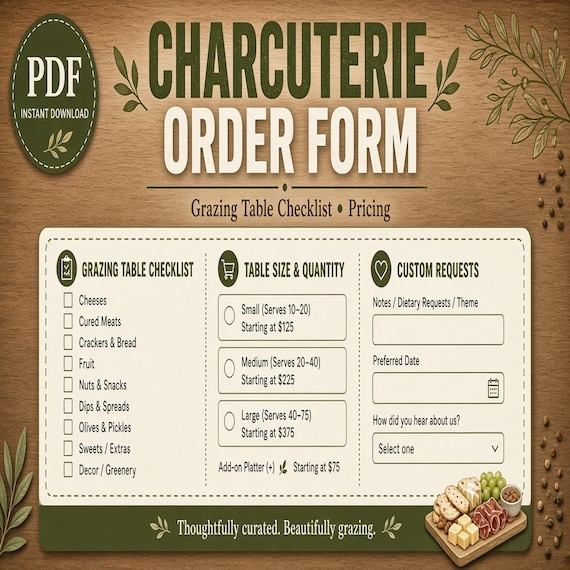
Plan board sizes, ingredient prep, customer requests, pickup details, labels, and quote estimates in one kit.
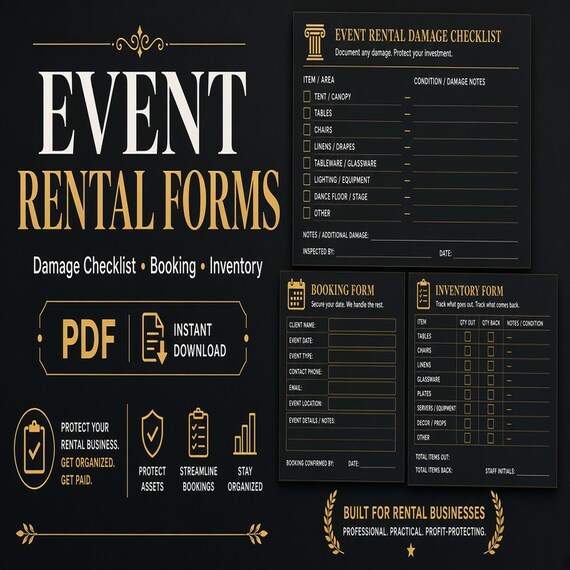
Party Rental Forms
Track bookings, rental items, checkout condition, damage notes, deposits, returns, and inventory follow-up.