Planners & Trackers · Jul 10, 2026 · 9 min read
How to Set Up a Caregiver Binder for Medications, Appointments, and Daily Care
A step-by-step caregiver binder setup for keeping medication lists, appointment questions, care-team contacts, daily notes, and handoffs useful and up to date.
Start with the handoff the binder needs to make easier
A caregiver binder works best when it helps another person understand what needs attention without searching through texts, loose papers, and several apps. Start by naming the handoff you need to improve. It may be preparing an adult child for a parent’s appointment, giving a backup caregiver the current routine, keeping medication information together, or recording questions that should be raised with a health care provider.
Do not begin by printing every page in a large bundle. Begin with the few pages that would reduce confusion today. An ongoing caregiver binder is different from a death binder or a general emergency binder: its main job is to support current care, repeat appointments, day-to-day notes, and communication between the people who are already helping.
- Appointment handoff: the next visit, provider details, current questions, and follow-up notes.
- Medication handoff: one current list plus a separate schedule or taken-dose log if that is part of the care plan.
- Daily-care handoff: dated notes about routines, completed tasks, calls, and items that still need attention.
- Backup-caregiver handoff: essential contacts, practical instructions, and where approved records are stored.
Build a one-page care snapshot first
The first useful page is a short snapshot that tells an approved helper whose binder this is and where to find the next layer of information. Keep it readable. Include the care recipient’s preferred name, primary contact, backup contact, care-team directory, pharmacy, and the date the page was last reviewed. Add only the medical or insurance details that are necessary for the way the binder will be used.
This page should point to information rather than try to hold an entire history. A long medical narrative on the front page is hard to scan and creates extra privacy risk. If several relatives or paid helpers share care, write down who updates each section. Before sharing private health information or speaking with a provider, make sure the care recipient has given the appropriate permission and that any required provider forms are in place.
- Name the primary person responsible for keeping the binder current.
- List the contacts a helper is actually allowed to call.
- Add a visible “reviewed on” date so nobody mistakes an old page for current information.
- Use a document-location note for sensitive originals instead of placing every original paper in the binder.
Keep the medication section current, not complicated
Medication information is useful only when it is current and specific. A practical list has room for the medication or supplement name, strength or dose, schedule, prescriber, pharmacy, purpose or notes when appropriate, and the date the list was checked. Include prescription medicines, over-the-counter medicines, vitamins, and supplements when the care recipient and care team want them tracked together. Bring the current list to appointments and ask the provider or pharmacist about anything that is unclear.
Keep the master medication list separate from a daily tracking page. The master list answers “What is currently used?” A schedule or taken-dose log answers “What was planned or recorded today?” That distinction makes handoffs easier and reduces the chance that an old checkmark will be mistaken for a current instruction. Never use a printable to start, stop, or change a medicine; changes should come from the appropriate health care professional and then be reflected in the binder.
- Write the full name and dose exactly as confirmed on the current label or care instructions.
- Record the schedule clearly instead of relying on color, memory, or an unlabeled pill image.
- Add the prescriber and pharmacy when that information is useful for follow-up.
- Archive an outdated list so it cannot be confused with the current page.
- Recheck the list after an appointment, hospital visit, refill change, or new supplement.
Use appointments as a before, during, and after workflow
An appointment page should do more than record a date. Before the visit, gather the insurance card, current medication list, names of other providers, recent notes, and the most important questions from the care recipient and other approved caregivers. Put the top questions first so a short appointment still covers the main concerns. If the office sends forms in advance, keep a note about where the completed forms are stored.
During the visit, let the care recipient answer whenever possible and use the page to capture recommendations, new questions, and words that need clarification. After the visit, turn the notes into a short follow-up list: prescriptions or refills to confirm, tests or referrals to schedule, written materials to review, and the next appointment date. The binder organizes the conversation; it does not interpret medical advice or replace the provider’s record.
- Before: current medication list, provider contacts, insurance details, and three priority questions.
- During: plain notes, unfamiliar terms to ask about, and the care recipient’s own questions.
- After: follow-up tasks, responsible person, due date, and the location of official visit instructions.
- Next visit: unresolved questions and any approved observations that should be discussed.
Make daily notes useful at the next caregiver handoff
Daily care notes should help the next person continue the routine, not force them to decode a diary. Use a consistent date and time, identify who made the entry, and record practical facts: appointments completed, meals or routine tasks noted in the care plan, supplies that are running low, calls made, and questions waiting for an answer. Keep the language neutral and specific. “Asked to rest after lunch” is clearer than a vague label such as “difficult day.”
A separate handoff page can summarize only what changed since the last shift or family update. That keeps the binder from becoming a pile of repeated notes. If a symptom, vital sign, or care task needs professional monitoring, follow the care team’s instructions for where and how it should be recorded. A printable is not automatically an official clinical chart, and it should not be treated as one without the proper professional workflow.
- Use one date and time format throughout the binder.
- Record who completed a task or made a call when several people share care.
- Separate observations from diagnoses or assumptions.
- Carry unfinished tasks onto the next handoff instead of burying them in older notes.
- Keep a weekly review page for recurring issues, refill needs, and upcoming appointments.
Choose PDF, Word, or Excel by the way the binder will be maintained
File format changes how easy the system is to update. A printable PDF is useful for handwriting, standard binder tabs, and a clean copy that can travel to an appointment. An editable Word file is useful for longer typed notes, family-specific labels, and pages that need occasional revision. An Excel workbook is useful for repeat entries such as medication schedules, appointment logs, daily notes, or weekly reviews where rows and dates matter.
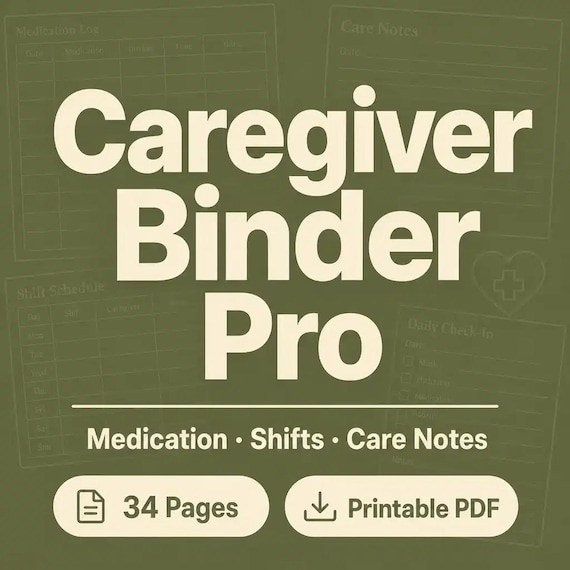
Check the exact product listing instead of assuming every caregiver download includes every format. One SteadyStackStudio caregiver binder pairs printable PDF pages with an Excel workbook, while an elder-care organizer offers printable PDF pages with an editable Word version. Decide whether you need structured tracking, editable narrative pages, or both. Save an untouched original before editing, and print one test page to confirm margins, writing space, and text size.
- Choose PDF when the main job is printing and handwriting.
- Choose Word when the main job is typing and revising longer household notes.
- Choose Excel when the main job is repeated dates, schedules, logs, and sortable rows.
- Check whether the download arrives as a ZIP and whether your device can open the included files.
- Keep a clean original so an edited page or formula can be replaced if needed.
Protect private information and prevent stale pages
A caregiver binder may contain contact details, medication information, insurance notes, appointment summaries, and document locations. Store it where the approved caregivers can reach it but casual visitors cannot. If a paper copy travels to appointments, carry only the sections needed that day. If the editable files live on a computer or shared drive, use the household’s normal security controls and limit access to the people who should have it.
Version control can be simple. Put a reviewed date on every high-priority page, keep one person responsible for the current copy, and move replaced pages into a clearly marked archive outside the active binder. Set a short weekly review for open tasks and a fuller monthly review for contacts, medication lists, appointments, supply needs, and permissions. Update sooner whenever care changes.
- Do not leave full private records in an unlocked public area.
- Share only the sections a helper needs for the agreed task.
- Mark the active version and remove superseded pages from the working binder.
- Tell approved backup caregivers where the current binder is kept.
- Use provider portals or official records for information that should not be copied into a household template.
Compare a caregiver binder with nearby life-admin organizers
Several binder types overlap, but the right choice depends on the moment you are preparing for. A caregiver binder supports ongoing coordination: medications, appointments, daily notes, care-team contacts, and handoffs. A medical information binder is narrower and may be enough when the main need is a health summary, medication list, and appointment tracker. A family emergency binder is designed for fast household reference during an urgent situation.
A death binder or just-in-case planner goes deeper into document locations, final wishes, household instructions, and contacts loved ones may need later. An important documents organizer maps records without becoming a daily care log. A complete life-admin bundle can connect several of these jobs, but it may be more than you need. Choose the smallest complete download that solves today’s coordination problem, then add another organizer only when it fills a different role.
- Caregiver binder: ongoing care coordination and handoffs.
- Medical information binder: current health details and appointment reference.
- Family emergency binder: quick household information for urgent access.
- Important documents organizer: records and document locations.
- Death binder or complete bundle: broader just-in-case and household planning.
Set up the useful core in 30 minutes
A half-finished binder with the right pages is more useful than a perfect system that never gets started. Spend the first ten minutes on the care snapshot and approved contacts. Use the next ten minutes to make or verify the current medication list. Use the final ten minutes to prepare the next appointment page and write one handoff note with the open tasks. Add tabs, older history, and optional trackers later.
At the end of the setup, ask one practical question: could an approved backup caregiver find the current contacts, medication page, next appointment, and unfinished tasks without calling the primary caregiver? If the answer is yes, the core is working. Schedule the next review before closing the binder so the pages have a clear path to stay current.
- Minutes 0–10: care snapshot, primary contact, backup contact, care team, and pharmacy.
- Minutes 10–20: current medication and supplement list with a reviewed date.
- Minutes 20–30: next appointment questions, follow-up tasks, and one handoff note.
- Next review: choose a weekly day for tasks and a monthly date for the full binder.
Check the product preview before opening Etsy
The preview should show the pages that carry the real workload, not only a cover. Look for a medication schedule or list, appointment log, doctor-question page, daily notes, emergency contacts, care-team directory, and a review or handoff page when those jobs matter to your household. Confirm the exact file types, whether the pages are printable or editable, the page size, and whether the listing explains how the files are delivered.
A template can organize information, but it cannot provide medical instructions, legal authority, emergency services, or professional care. If you need permission to access records, authority to make decisions, medication-management guidance, or a required clinical record, use the appropriate provider, attorney, agency, or licensed professional. Choose a caregiver binder for structure and communication, then keep official decisions and records in the systems where they belong.
- Look for representative inside-page previews and enough writing space.
- Confirm PDF, Word, Excel, or other stated formats before checkout.
- Check that the download is digital and that no physical binder will be shipped.
- Compare the caregiver binder with the elder-care, medical, emergency, and document organizers when the scope is unclear.
- Skip the purchase if the preview does not show enough detail for the way the binder will be used.
Printables used in this guide
Instant downloads from the SteadyStackStudio Etsy shop.
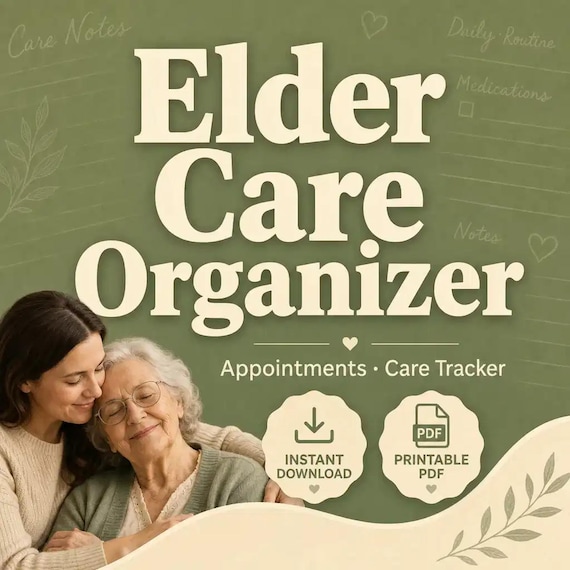
Elder Care Planner Printable
A practical elder care organizer for adult children and family helpers coordinating senior appointments, care notes, medications…
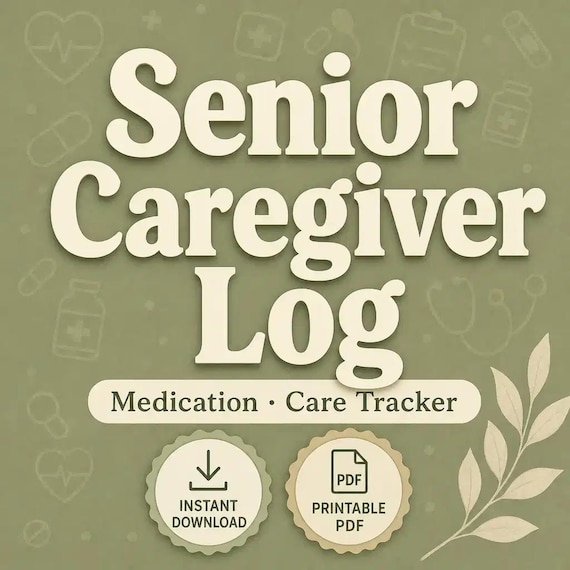
Senior Caregiver Log Printable
Senior Caregiver Log pack for family caregivers and home-care helpers: 26-page fillable PDF with medication logs, vitals, meals…
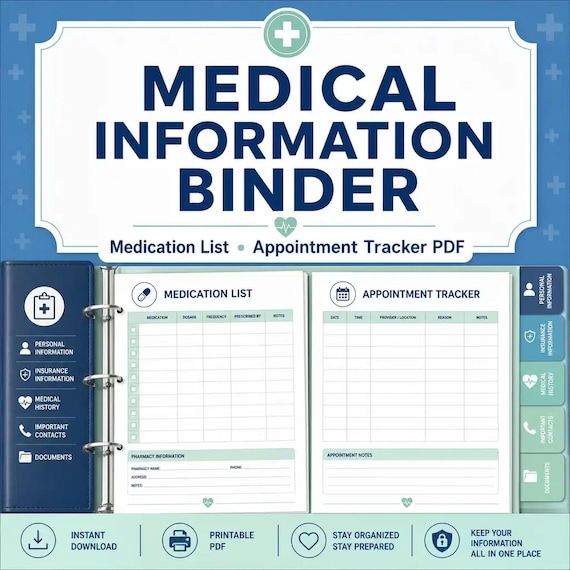
Medical Binder Printable
A practical medical information binder for families who want health contacts, medications, appointments, and insurance details…
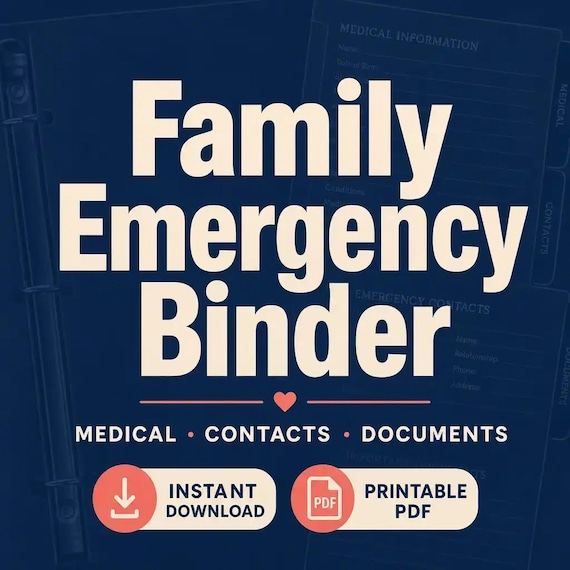
Family Emergency Binder Printable
Family emergency binder for households: 28-page fillable PDF with household profile, emergency contacts, medical info pages…