Small Business Templates · Jun 30, 2026 · 4 min read
How to Build a Digital Download Command Center for a Small Business
A practical guide to connecting pricing, inventory, client forms, and content assets so a small business runs with fewer loose ends.
Start with the repeatable jobs, not the number of files
A useful digital download setup starts with the jobs that keep repeating every week: pricing products, tracking inventory, answering client questions, keeping a budget visible, and preparing the same pieces of content or paperwork again and again. A folder full of unrelated templates will not help if each file solves a different problem and nothing connects.
Before buying a spreadsheet, form pack, or template bundle, write down the three jobs that currently create the most friction. The best download is the one that removes a real bottleneck first, then fits beside the tools you already use.
- For money decisions, look for pricing, cost, income, expense, and profit fields that match your workflow.
- For client work, look for intake forms, checklists, policy pages, and follow-up notes that can be reused without rewriting everything.
- For product or content work, look for product cards, upload instructions, asset checklists, and tracking sheets that keep files from getting lost.
Build the command center around one source of truth
The easiest system to maintain is usually one spreadsheet or folder structure that tells you where everything lives. If every template has a different naming style or storage place, the setup becomes another chore instead of a shortcut.
- Keep money tools together: price calculators, profit trackers, tax notes, and monthly summaries.
- Keep customer or client tools together: forms, emails, checklists, and delivery notes.
- Keep product files together: final download ZIPs, preview images, listing copy, and update notes.
- Use simple labels such as pricing, inventory, clients, content, and weekly review so the system still makes sense a month later.
What to check before buying a business template bundle
A small-business bundle should make the next action easier. Preview images and product descriptions should show the inside of the file, not only a cover image. Look for enough detail to understand how the file would be used after checkout.
- File format: confirm whether it is Excel, Google Sheets, PDF, Word/DOCX, Canva, or a ZIP with several pieces.
- Editing needs: check whether you can change business names, prices, policies, service details, or product categories.
- Workflow fit: make sure the template fits a real routine such as weekly bookkeeping, client intake, product prep, or order follow-up.
- Scope: avoid paying for a huge bundle if only one page solves the actual problem.
A simple weekly review flow
Once the files are downloaded, pick one weekly review rhythm. Ten focused minutes is better than an elaborate system you avoid. Open the money tracker, check new expenses or sales, review any client paperwork that needs follow-up, and note which product or content files need updating.
That short review turns scattered downloads into an operating system. It also shows you which template is missing before you buy another one.
- Monday: confirm open jobs, client forms, and product tasks.
- Midweek: update income, expenses, pricing, or inventory changes.
- Friday: save finished files, archive old drafts, and write the next action for anything unfinished.
Who this fits and who should skip it
A command-center approach fits sellers, creators, service providers, and tiny teams that repeat the same planning or paperwork tasks. It is less useful if the business only needs one narrow file today or already has a reliable system in another app.
- Good fit: handmade sellers, digital product shops, photo booth operators, service providers, coaches, pros, and side hustles with repeat admin work.
- Probably too much: a one-time event, a single printable needed today, or a business that already has a polished CRM/accounting setup.
- Best next step: choose one primary download, set it up fully, then add related files only when a real gap appears.
Recommended next step
Open the matching product previews first, then use Etsy only after the file format, setup time, and actual workflow fit are clear. A good download should save time within the first week, not sit in a folder waiting for a perfect future system.
When this download may not be the right fit
A good match for How to Build a Digital Download Command Center for a Small Business should be practical, specific, and easy to use after checkout. It may not be the right fit if you need a fully custom service, physical printed materials shipped to you, professional review included with the purchase, or a file format the listing does not show. Use this page as a comparison step, not as a promise that every download will fit every business, event, printer, device, or professional requirement.
- Check the preview images and file details before opening Etsy.
- Choose the smallest complete download that solves the real job.
- Use related product pages when another format, worksheet role, template type, or bundle level fits better.
- For consent, financial, therapy, dental, beauty, or legal-adjacent uses, review the final wording or spreadsheet setup against your local requirements before relying on it.
Before you click through to Etsy
Use the SteadyStackStudio product preview as a final check. Confirm the title, price, file type, preview image, and related downloads all point to the same job you came here to solve. If the recommended product looks close but not exact, compare the other downloads in the same topic hub before leaving the site.
Once the product page and Etsy listing agree on what is included, the Etsy click is the checkout step rather than a blind jump. Answer the question first, compare the matching download second, then use Etsy only when the fit is clear.
- Open the matching product page if you want a larger preview and related options.
- Use the Etsy button when the file format and use case are clear.
- Skip the purchase if the preview does not show enough detail for the way you plan to use the download.
Printables used in this guide
Instant downloads from the SteadyStackStudio Etsy shop.
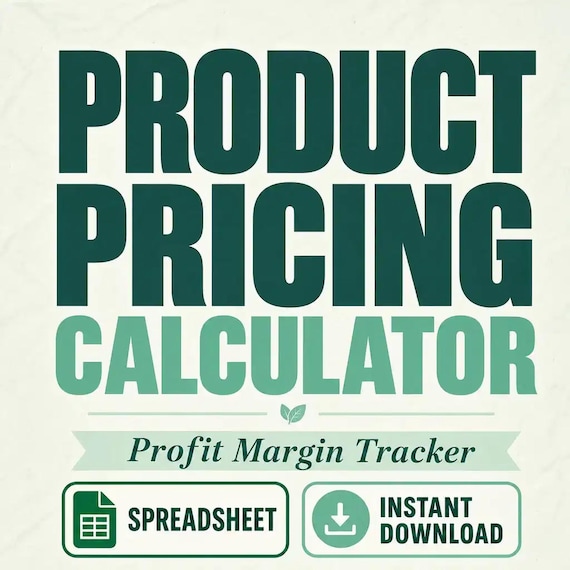
Product Pricing Calculator Spreadsheet
Product Pricing Calculator Spreadsheet with Small Business Profit Margin, Cost of Goods, Wholesale and Retail Price Excel PDF…
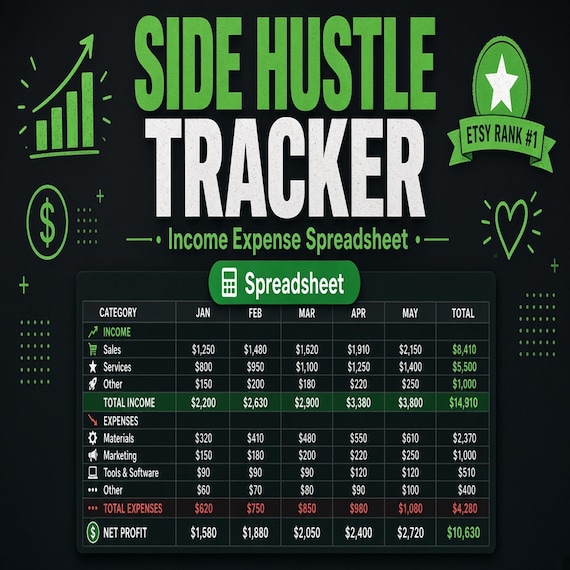
Side Hustle Income and Expense Tracker
Track a side hustle like a small business with an income and expense tracker, profit spreadsheet, mileage log and tax set-aside…
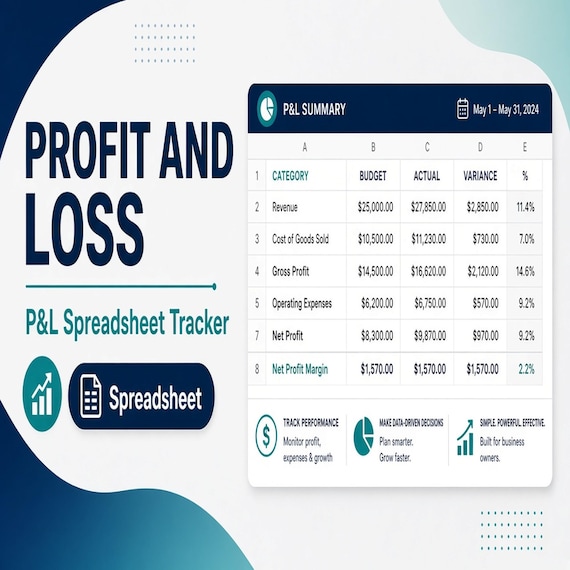
Profit and Loss Spreadsheet
Profit and Loss Spreadsheet Template, Income Expense Tracker Excel Google Sheets for small business owners who need a clean…
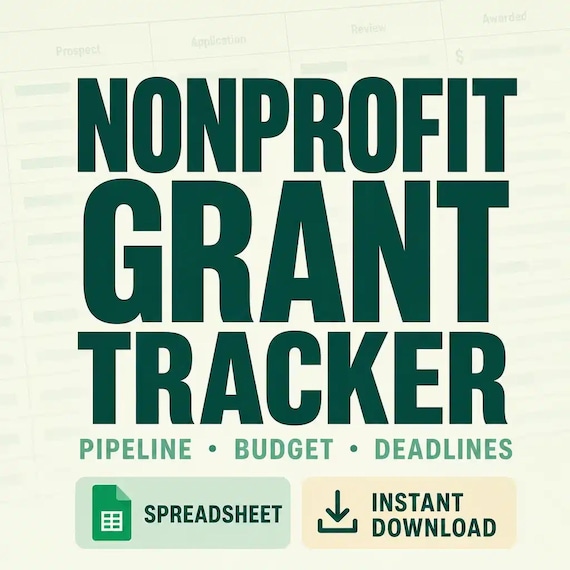
Grant Tracker Spreadsheet for Nonprofits
Track opportunities from first screen through submission, award setup, deliverables, spending, reporting, and closeout so…