Clipart PNG · Jul 4, 2026 · 5 min read
Clipart PNG, Tattoo Flash, and Service Form Downloads: What to Check Before You Buy
A buyer-first checklist for choosing transparent PNG clipart, fine-line tattoo flash sheets, and service form templates with accurate previews and clear file formats.
Separate artwork downloads from paperwork downloads
Clipart PNG bundles, tattoo flash sheets, and service form templates can all be digital downloads, but buyers use them in very different ways. A clipart buyer cares about transparent files and licensing. A tattoo flash buyer cares about line quality, stencil usefulness, and style consistency. A service form buyer cares about intake, consent, aftercare, and editable wording.
Do not compare them only by price or page count. Compare them by the job they need to do after checkout.
What to check in a clipart PNG bundle
For clipart, the preview should show actual artwork variety and enough detail to judge whether the files can be used in projects. Look for transparent PNG language, clear style consistency, and license terms that match your intended use.
- Transparent PNG files are useful for stickers, labels, cards, sublimation, social posts, and printable layouts.
- Preview sheets should show individual elements, not only a collage that hides file quality.
- Commercial-use terms should be readable before buying if you plan to sell finished products.
- Avoid bundles that do not explain whether prompts, editable vectors, or only finished image files are included.
What to check in tattoo flash sheets
Fine-line tattoo flash and stencil-style downloads need clean readable shapes. The art should still make sense when printed, resized, or used as inspiration for a consultation.
- Check whether the listing includes JPG, PNG, printable sheets, or other formats.
- Look for consistent line weight and enough negative space for the style.
- Avoid designs with unclear hands, faces, lettering, or details that collapse when small.
- Treat the download as artwork or planning material, not a substitute for a professional tattooer’s judgment.
What to check in service form templates
For forms, the inside pages matter more than the cover. A useful form kit should show the intake questions, consent flow, aftercare language, client record space, and editable format before you open Etsy.
- Choose service-specific forms when the appointment has its own risks, prep steps, or aftercare.
- Confirm whether files are PDF, Word/DOCX, Excel, Canva, or another editable format.
- Review all wording against your actual service, local rules, insurance expectations, and professional scope.
- Do not rely on a generic form when a niche service needs specific questions.
Who this guide fits
This comparison fits buyers who know they need a digital download but are deciding between creative assets, tattoo-ready reference sheets, and practical service paperwork. It is less useful when you already know the exact product type and only need one listing preview.
- Choose clipart when you need finished graphics for products or marketing.
- Choose tattoo flash when you need printable artwork sheets or stencil-style design ideas.
- Choose forms when you need repeatable paperwork for clients or appointments.
- Use the topic hub when you want to compare several related options before Etsy checkout.
Recommended next step
Open the matching product preview first, confirm the file type and use case, then move to Etsy once the download solves the exact job. The right purchase should be clear from the previews before checkout.
When this download may not be the right fit
A good match for Clipart PNG, Tattoo Flash, and Service Form Downloads: What to Check Before You Buy should be practical, specific, and easy to use after checkout. It may not be the right fit if you need a fully custom service, physical printed materials shipped to you, professional review included with the purchase, or a file format the listing does not show. Use this page as a comparison step, not as a promise that every download will fit every business, event, printer, device, or professional requirement.
- Check the preview images and file details before opening Etsy.
- Choose the smallest complete download that solves the real job.
- Use related product pages when another format, worksheet role, template type, or bundle level fits better.
- For consent, financial, therapy, dental, beauty, or legal-adjacent uses, review the final wording or spreadsheet setup against your local requirements before relying on it.
Before you click through to Etsy
Use the SteadyStackStudio product preview as a final check. Confirm the title, price, file type, preview image, and related downloads all point to the same job you came here to solve. If the recommended product looks close but not exact, compare the other downloads in the same topic hub before leaving the site.
Once the product page and Etsy listing agree on what is included, the Etsy click is the checkout step rather than a blind jump. Answer the question first, compare the matching download second, then use Etsy only when the fit is clear.
- Open the matching product page if you want a larger preview and related options.
- Use the Etsy button when the file format and use case are clear.
- Skip the purchase if the preview does not show enough detail for the way you plan to use the download.
When tattoo flash is the strongest match
Tattoo flash downloads should be judged differently from clipart. A flash sheet has to stay readable when printed, traced, resized, or used as a client-reference board. Look for clean negative space, varied small designs, and preview images that show the actual line quality instead of only a styled cover.
If the goal is a tiny tattoo idea board, fine-line stencil reference, or printable micro design sheet, start with a tattoo-flash-specific download instead of a general PNG clipart pack. The better fit is usually the pack that shows multiple finished sheets and makes the included JPG/PNG files clear before checkout.
- Choose tattoo flash when the design needs to read as a stencil or reference sheet.
- Choose clipart when transparent PNG art is the main need for stickers, labels, planners, or graphics.
- Choose service-form templates when the download needs intake, consent, aftercare, or appointment paperwork.
Static backgrounds and creator assets: what to verify
Static background packs are useful when a creator needs clean visual space for text, products, streaming scenes, thumbnails, or social layouts. They are not the same product as clipart and they should not be compared only by image count. Check the orientation, dimensions, file type, and whether the preview shows individual backgrounds rather than a crowded collage.
For vertical social backgrounds, confirm whether the download is static JPG/PNG, video, or both. If the listing says static files only, buy it for still-image design space and choose a separate video product only when motion files are actually included.
Printables used in this guide
Instant downloads from the SteadyStackStudio Etsy shop.
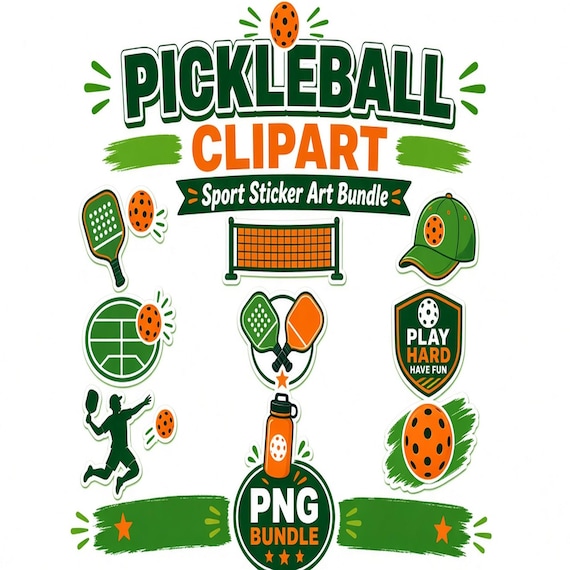
Pickleball Clipart PNG Bundle
A finished transparent PNG clipart bundle for pickleball clubs, coaches, tournament hosts, sticker makers, sublimation sellers…
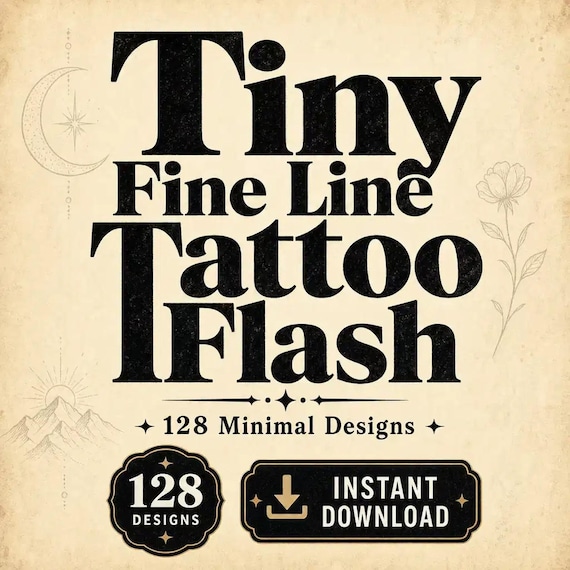
Fine Line Tattoo Flash Sheet Bundle
Tiny Fine Line Tattoo Flash Bundle — 128 minimal designs in one instant-download pack. A practical gift for a tattoo artist or…
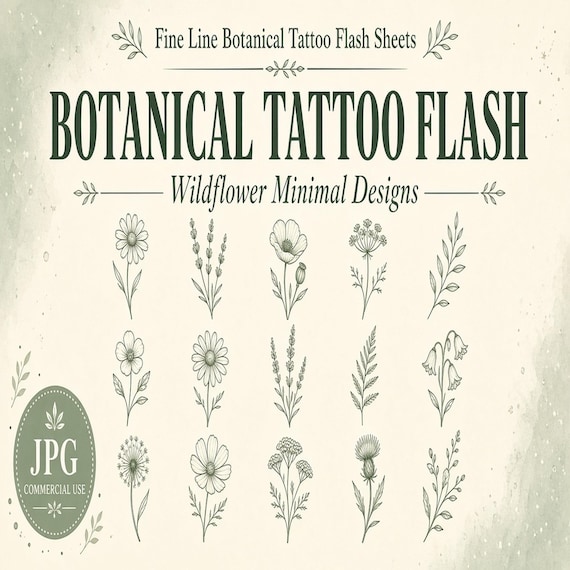
Fine Line Botanical Tattoo Flash Sheet
I built these fine-line botanical tattoo flash sheets for artists who need ready-to-print wildflower motifs without redrawing…
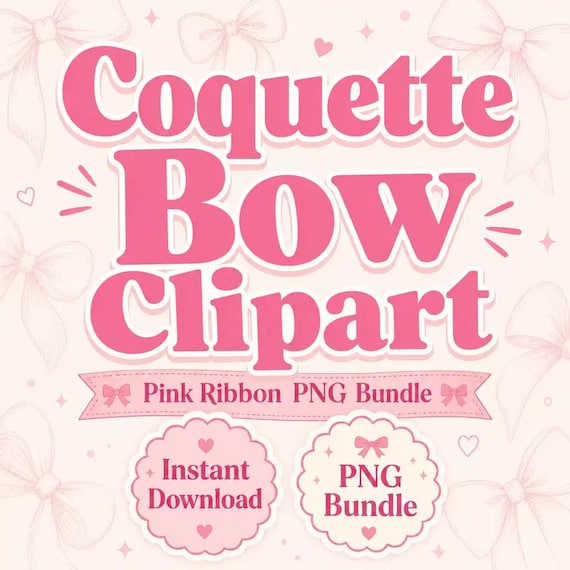
Coquette Bow Clipart PNG Bundle
Coquette Bow Clipart PNG Bundle is a ready-to-use digital clipart download for printable sellers, sticker makers, sublimation…