Timesheet Template Excel
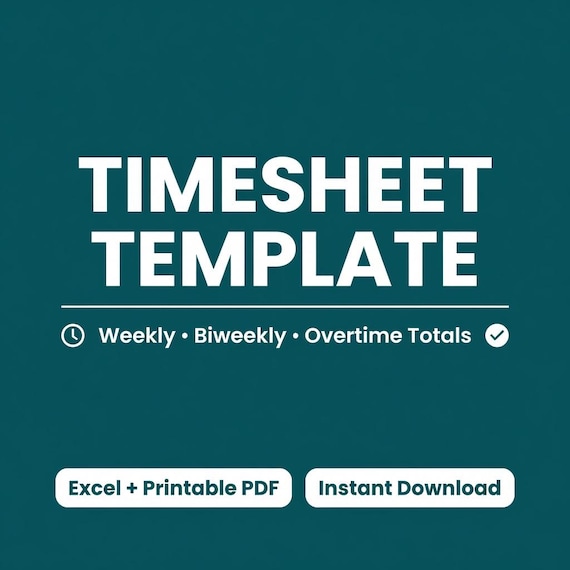
Track work hours and overtime without doing the math. Type the times you clock in and out, and this Excel timesheet adds up daily…
$7.47Etsy
Free tool
Type in your start time, end time and unpaid break for each day of the week. The calculator totals your hours, splits out regular and overtime hours, and works out gross pay at your hourly rate, using the federal 40-hour rule or a daily overtime rule. Then print it for your records.
An end time earlier than the start counts as an overnight shift. Leave both blank for a day off.
Gross pay before taxes and deductions. Check your state's overtime rules; this is an estimate, not payroll or legal advice.
Instant downloads from the SteadyStackStudio Etsy shop.
Track work hours and overtime without doing the math. Type the times you clock in and out, and this Excel timesheet adds up daily…
Nurse Shift & Overtime Planner — personal pay estimator for shift workers. Log shifts, night/weekend differentials, and weekly OT…
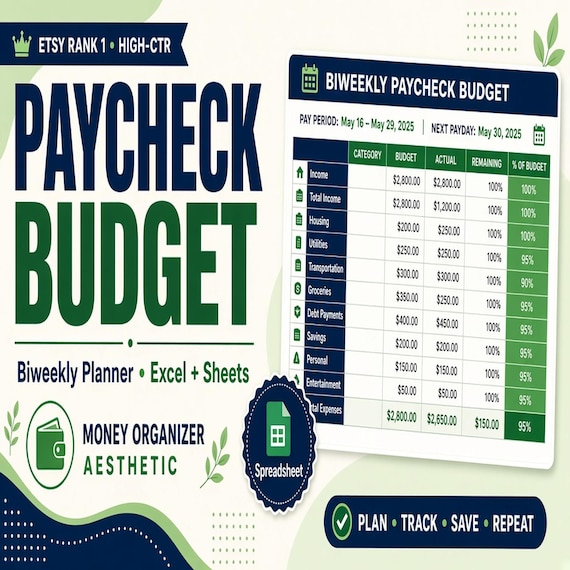
Plan every paycheck before it disappears with a paycheck budget spreadsheet, bill tracker and printable budget planning pages.
Under the federal Fair Labor Standards Act, covered non-exempt employees earn at least 1.5 times their regular rate for hours over 40 in a workweek. That is the "Weekly" setting.
Some states, such as California, also pay overtime by the day. The Daily setting pays 1.5x for hours over 8 in a day, 2x for hours over 12 in a day, and 1.5x for any remaining regular hours over 40 in the week. It does not model seventh-day rules, so check your state labor department.
Enter the real start and end times. If the end time is earlier than the start time (for example 10:00 PM to 6:30 AM), the calculator treats it as a shift that ends the next morning.
Enter unpaid break minutes in the Break box and they are subtracted from that day. Leave it at 0 for paid breaks.
No. It shows gross pay before taxes and deductions. Nothing you enter is saved or sent anywhere.
Free to share on a blog, resource page, class site or newsletter. Copy the link code below, or use the citation.