Therapist Forms & Notes · Jul 12, 2026 · 10 min read
Clinical Supervision Notes Template: Prepare Cases, Track Hours, and Record Next Steps
Set up clinical supervision notes without blurring case preparation, meeting decisions, verified hours, and follow-up. This practical guide covers de-identification, agendas, feedback, record care, file formats, and fit checks before purchase.
Start with the supervision agreement and local requirements
A notes template can make supervision easier to prepare and review, but it does not define the supervision relationship. Before filling in pages, identify the profession and credential involved, the approved supervisor, whether meetings are individual or group, the expected schedule, how cancellations or make-up sessions work, and who verifies completed hours. Also confirm which board, employer, school, placement, insurer, or training-program rules apply. Requirements can differ by license, location, employment setting, and stage of training, so a field that is useful in one setting may be unnecessary or insufficient in another.
Turn those decisions into a short setup sheet that both parties can understand. Note the meeting cadence, review dates, urgent-contact path, feedback process, record location, access rules, and the source used to confirm countable hours. If the template and an official requirement conflict, adapt the template rather than forcing the requirement into the wrong field. Review the setup whenever the placement, supervisor, credential goal, meeting format, or governing rule changes. The goal is a dependable working structure, not a generic form that quietly becomes policy.
- Identify the credential, supervisor, setting, and rules that govern the arrangement.
- Write down how meetings, make-ups, reviews, and urgent questions will be handled.
- Confirm who verifies hours and which source controls the official total.
- Revisit the setup when the role, placement, or supervision plan changes.
Separate case preparation, meeting notes, and the hours log
These records answer different questions and should not become one oversized page. Case preparation helps the supervisee bring a focused, de-identified question to the meeting. The meeting note captures the agenda, guidance, decisions, feedback, and agreed follow-up at an appropriate level of detail. The hours log records the administrative facts needed to review supervision time. Keeping the purposes separate makes each record easier to maintain and reduces the temptation to copy sensitive case material into every place where a date or signature appears.
Choose one source of truth for each fact. A verified supervision duration should live in the hours log rather than being retyped across several notes. A follow-up task can live in an action tracker and be referenced from the meeting page. Use simple statuses such as draft, reviewed, awaiting verification, and verified so an unfinished entry is not mistaken for a completed record. If your setting requires a different official system, use the printable or editable page as preparation only and transfer the required information through the approved process.
- Use case-preparation pages for questions and the minimum context needed to discuss them.
- Use meeting notes for decisions, feedback, and agreed follow-up.
- Use the hours log for date, duration, supervision type, and verification status.
- Avoid copying the same sensitive detail into several files.
De-identify case consultation material before the meeting
Prepare case-consultation pages with a neutral case ID rather than a client name. Remove direct identifiers such as full names, contact information, account numbers, exact addresses, and unnecessary dates of birth. Also watch for combinations of details that could identify someone in a small community, school, workplace, or specialty program. Include only the context needed to frame the supervision question, describe what has already been tried, and understand the decision that needs support. A long narrative is not automatically a better consultation.
De-identification lowers exposure but does not make a document harmless or suitable for any device. Follow the privacy, documentation, consent, and storage rules for the setting, and keep any link between a case ID and a person only where it is permitted. Do not turn a general supervision worksheet into an unofficial clinical record or emergency-response system. When a situation involves immediate safety, mandated reporting, urgent escalation, or another time-sensitive duty, use the verified procedure and approved communication channel rather than waiting for the next ordinary meeting or relying on a template.
- Assign a case ID before writing consultation notes.
- Remove direct identifiers and unnecessary identifying combinations.
- Bring the minimum context needed to answer a focused question.
- Use approved urgent and safeguarding procedures when timing matters.
Build each agenda around decisions and follow-up
A useful agenda begins before the meeting. Ask the supervisee to name two or three questions, the decision each question affects, the relevant context, what has already been considered, and what kind of help is needed. Put urgent practice, ethics, safety, or scope questions first according to the setting's escalation process. Routine updates can follow. This keeps a limited supervision hour from becoming a chronological retelling of the week and gives the supervisor enough structure to prepare.
Close every agenda item with a clear outcome. The result may be a decision, a question that needs more information, a consultation with another approved person, a document to review, a skill to practice, or a topic to revisit. Record who owns the next action and when it will be checked. Keep a small parking-lot list for important matters that do not fit the current meeting, then move them onto a future agenda deliberately. An unresolved question should remain visible instead of disappearing inside a paragraph of discussion notes.
- Write the decision or question before adding background detail.
- Prioritize time-sensitive items through the setting's approved process.
- End each item with an owner, next action, and review point.
- Carry deferred topics forward instead of burying them in old notes.
Record feedback as a specific next action
Feedback is easier to use when the note separates observation, interpretation, and action. Record the situation or work sample being discussed, the behavior or decision that was observed, the supervisor's guidance, the supervisee's questions or perspective, and the practice step that follows. Avoid vague labels that cannot be acted on later. A statement such as “bring a shorter case summary with one decision question next time” is more reviewable than a broad note that preparation should improve.
Use a follow-up date or evidence point that fits the task. That may be a revised agenda, a role-play, a reading discussion, a corrected administrative step, or another observed example. Preserve respectful disagreement and questions when they matter; a record should not imply automatic agreement if clarification is still needed. If an entry is corrected, keep the correction trace appropriate to the governing system instead of silently rewriting a verified history. The point of the page is to support learning and accountability, not to reduce a complex conversation to a score.
- Describe observable work rather than using a vague personal label.
- Connect guidance to one practical next step.
- Set a reasonable point for review or evidence.
- Handle questions and corrections through the agreed record process.
Track hours without assuming every meeting counts
An hours log is a reconciliation tool, not proof that every recorded activity qualifies. Before entering totals, confirm what the relevant board, program, employer, or credential process counts as supervision. Individual and group time, live and remote formats, case consultation, administrative meetings, preparation, training, and missed sessions may be treated differently. Build categories only after those rules are clear, and do not relabel an activity simply to make it fit a required total.
For each entry, consider recording the date, start and end time or verified duration, supervision type, format, supervisor, category, running total, and verification status when those fields are appropriate. Reconcile the log on a regular schedule rather than waiting until an application or review deadline. Compare it with calendars, signed records, invoices, placement records, or the approved official source, and resolve differences while the meeting is still easy to remember. Preserve verified entries and document corrections so both parties can explain the final total.
- Confirm countable activities before creating hour categories.
- Keep duration, supervision type, format, and verification status clear.
- Reconcile the log regularly against the approved source record.
- Do not silently change an entry after it has been verified.
Use competency and review prompts to make progress visible
Completed hours show attendance, not the full story of professional growth. A periodic review can look across several meetings for recurring strengths, learning goals, scope questions, documentation habits, use of feedback, and next-stage responsibilities. Choose a small number of goals that can be observed in ordinary work. Give each goal a starting point, a practice action, the support the supervisor will provide, and a date for checking progress. That creates continuity without turning every supervision note into a formal evaluation.
Clarify which conversations are formative coaching and which are part of an official performance or competency review. If the employer or training program has an established evaluation form, do not replace it with an informal worksheet. Use the template to prepare accurate examples and next questions, then complete the required process. Review prompts can also reveal when a goal is too broad, when the supervisee needs a different learning opportunity, or when expectations were never made clear. A useful review ends with priorities for the next period, not only a backward-looking summary.
- Pair each learning goal with an observable practice action.
- Review patterns across meetings instead of reacting to one isolated note.
- Distinguish coaching notes from formal evaluation records.
- End each review with a short set of next-period priorities.
Decide who owns, stores, and can access each record
Before either person starts a private folder, decide where supervision records belong, who owns them, who may read them, how long they are retained, and how they are disposed of. The answer may depend on the employer, placement, profession, board, contract, or training program. Personal email, an ordinary cloud drive, a home printer, or a familiar spreadsheet app is not automatically approved for professional information. A downloadable form provides a layout; it does not provide secure storage, access controls, backups, or a compliant record system.
Minimize copies and exports. If a printed page is allowed, store it where unauthorized people cannot see it and use an approved destruction process when retention ends. If an editable document is allowed, use authorized devices, accounts, naming conventions, and sharing settings. Avoid placing a case-ID key beside the de-identified consultation pages. When supervisor and supervisee keep different records, agree on which one controls hours and how corrections are communicated. These decisions are easier to make during setup than after a device is lost, a placement ends, or a verification deadline arrives.
- Confirm record ownership, access, retention, and disposal before use.
- Treat the download as a layout, not as a secure storage platform.
- Use only approved devices, accounts, folders, and sharing methods.
- Keep identifying keys separate from de-identified consultation pages.
Choose PDF, Word, or Excel by the maintenance task
The featured listing currently describes an 18-page supervision and case-consultation pack with a US Letter PDF, an editable Word version, an Excel hours and action-item tracker, de-identified case-presentation pages, and prompts for competency, feedback, ethics, and quarterly review. It is presented as an instant digital download packaged in a ZIP folder, with no physical item shipped. Confirm the current product page, preview images, included files, software needs, and instructions before purchase because the listing is the final source for what is included.
Choose the format by the job. PDF pages can suit controlled printing or permitted digital annotation. Word can help when approved headings or fields need customization. Excel can support repeated rows, statuses, and totals when spreadsheet storage is allowed. Keep the original download unchanged, make a working copy, and test one page or sample entry before moving an existing record routine. If your organization requires a specific portal, EHR, signature method, or board form, the editable files may work only as preparation aids rather than the official record.
- Use PDF for stable pages and test printing before producing a full set.
- Use Word when approved wording or headings need careful customization.
- Use Excel for repeated administrative entries only when that storage is allowed.
- Preserve the original files and test the working copy in the intended software.
Check the download against your supervision workflow before checkout
This type of pack can fit clinical supervisors, supervisees, counselors, social workers, and training programs that already understand their governing requirements and want a consistent way to prepare meetings, discuss de-identified cases, track actions, and reconcile hours. It may not fit someone looking for personalized clinical, legal, licensing, ethics, privacy, or employment advice. It is also not an EHR, a board-issued form, an emergency system, or a platform that becomes suitable for protected information simply because the pages are well organized.
Use the previews as a fit check. Confirm that the case pages encourage the level of detail your setting permits, the hours fields match the categories you actually need, and the feedback and review prompts can be adapted without obscuring required wording. Check whether both participants can open the stated formats and whether the approved storage location supports them. The listing says the first image is a styled cover and the remaining previews show included pages; review those inside-page previews rather than buying from the cover alone. A good purchase should simplify an already defined process, not force you to invent the rules after download.
- Confirm the current file list and inside-page previews.
- Compare the fields with the actual supervision agreement and required forms.
- Decide where the working records will be stored before adding case material.
- Choose the pack only if it reduces duplicate work without replacing required systems.
Printables used in this guide
Instant downloads from the SteadyStackStudio Etsy shop.
Clinical Supervision Notes Template
A calm, practical download for clinical supervisors, supervisees, counselors, social workers, and training programs that need a…
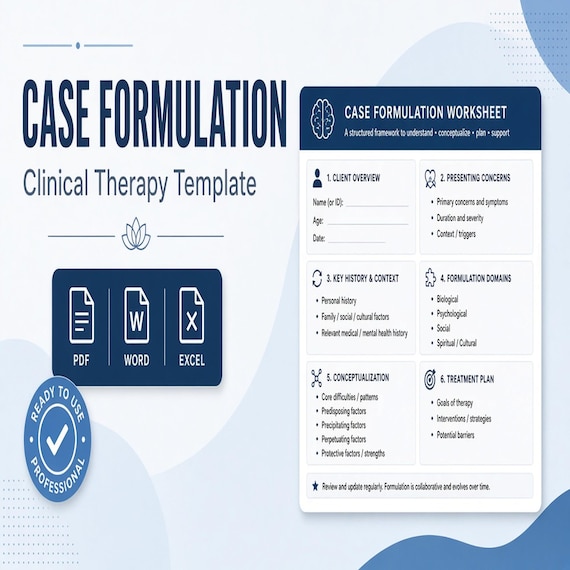
Case Formulation Template
Therapist Case Formulation & Conceptualization Toolkit Bring assessment details, working hypotheses, strengths, context…
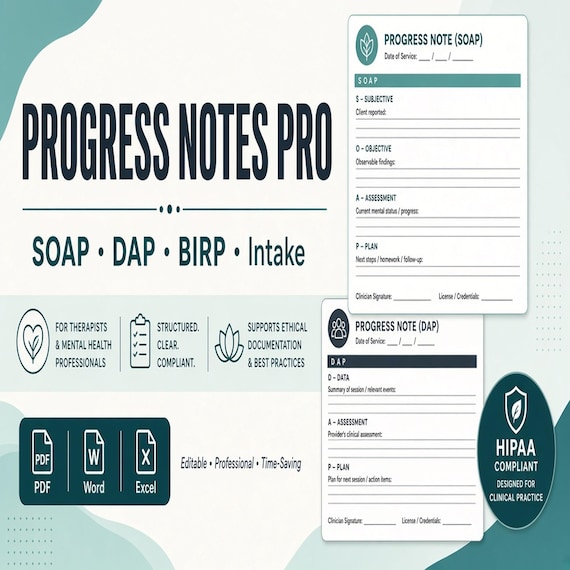
SOAP Note Template and Therapy Progress Notes
Therapist Progress Notes Pro — a mid-tier multi-format documentation pack for clinicians who want real SOAP, DAP, and BIRP…
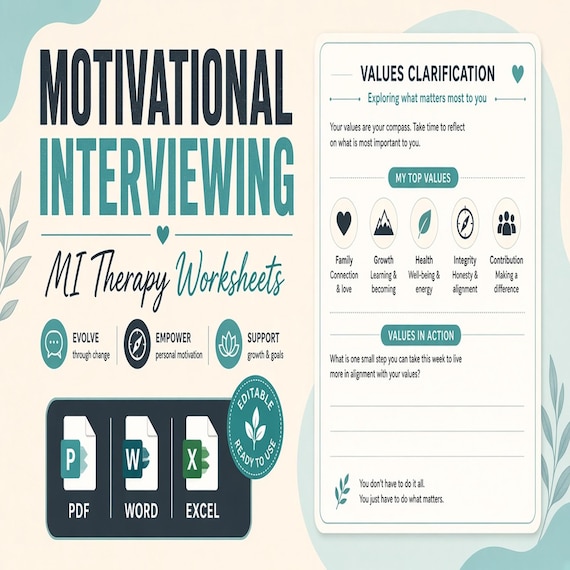
Motivational Interviewing Worksheets
A calm, practical download for counselors, social workers, coaches, supervised trainees, and other trained helping professionals…