
Party Games & Kits · Aug 24, 2026 · 13 min read
Mahjong Club Night Setup: Roster, Table Assignments, Host Rotation, and Score Sheets
A practical workflow for organizing a casual mahjong club night from RSVPs and table assignments through host rotation, generic score records, and a clean event closeout.
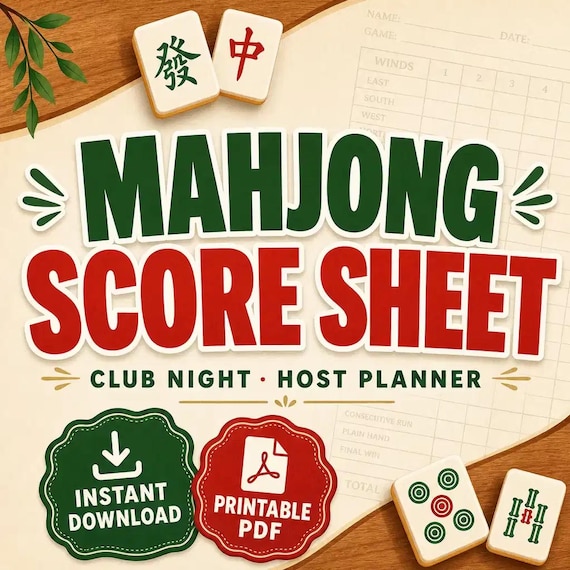
Decide how the club night will run before filling any page
A useful mahjong club-night planner organizes decisions the group has already made; it should not quietly make those decisions for the group. Before entering names, write down the date, venue, arrival time, planned start and finish, available table space, attendance limit, RSVP deadline, and who has authority to resolve a last-minute question. Then identify the rules and scoring method the group already uses.
This distinction matters because mahjong groups may follow different traditions, house rules, teaching approaches, and scoring systems. The current SteadyStackStudio pack provides generic score pages and organizational trackers, not an official rule card, copyrighted hand list, league document, or instructions for a particular ruleset. Keep the approved rule source beside the event materials rather than trying to recreate it inside a generic planner.
Finish the setup note with one simple event path: invitation, RSVP, confirmed attendance, table assignment, play, score handoff, closeout, and next-date follow-up. Every page used during the night should support one part of that path. If a page does not help someone make or record the next decision, leave it out of the working packet.
- Record the event date, location, time window, capacity, and RSVP cutoff.
- Name the group-approved rule and scoring source without copying protected material into the planner.
- Choose who can approve seating changes or score corrections during the event.
- Use the download for organization and records, not as a substitute for the group’s rules.
Confirm the file package fits the way you plan to host
The current listing describes an 18-page printable club-night pack, an editable Word version, and an Excel workbook for roster, availability, seating, attendance, host, and score tracking. It also lists generic score sheets, table-assignment pages, a season calendar, a supply checklist, and a night-closeout page. The files arrive in one ZIP folder; no physical pages are mailed.
Use the direct page previews after the styled cover to check writing space, column labels, page density, and whether the tables can be read at the distance where they will be used. The printable PDF is US Letter and is described for printing or digital annotation. The Word version is for compatible word-processing software, and the Excel workbook is for compatible spreadsheet software. Confirm those file types open on the device that will actually prepare the event.
Do not assume the pack includes automated invitations, live tournament brackets, official scoring logic, a club website, payment collection, or a mobile check-in system. Those functions are not established by the current description. The best fit is a host who wants printable pages plus editable planning files and is willing to set the group’s rules, attendance process, and recordkeeping routine.
- I can download and extract a ZIP folder on my device.
- I have compatible software for the PDF, Word, and Excel files I plan to use.
- US Letter works for my printer, or I am prepared to run a scaling and margin test.
- I need an organizational pack rather than an official rules product or live event platform.
- The direct page previews show enough detail for me to judge the working layout.
Build one clean roster before collecting availability
Start the season or event from one roster instead of copying names into several disconnected lists. Give each participant one consistent display name, then add only the contact and availability details needed to organize the club. If two people use the same name, add a neutral identifier such as a last initial rather than waiting for score sheets or table cards to become ambiguous.
Keep the roster separate from attendance. The roster answers who belongs to the group; the attendance page answers who is expected on a particular date. A person should not disappear from the season list merely because they miss one night, and a one-time guest should not automatically become a standing member. Mark those roles clearly so later table assignments are based on the correct group of people.
Collect as little personal information as the club needs. A host usually needs a reliable reply route and any event-specific note the participant chooses to share, not a detailed personal profile. Store the working roster where only the people organizing the event can access it, and avoid leaving phone numbers or email addresses on a public check-in table.
- Use one spelling and one display name for each participant across every file.
- Separate members, guests, substitutes, and inactive names if those distinctions matter to the club.
- Keep contact details off public table cards and score sheets.
- Choose one roster file as the current master and date any exported or printed copy.
Turn the season calendar into a reliable RSVP rhythm
A season calendar is most useful when every date carries the same small set of decisions. Record the proposed date, venue, primary host, backup contact, RSVP opening date, reply deadline, and status. A date can be proposed, confirmed, changed, cancelled, or completed; those states should not all look the same on the calendar.
Send one clear invitation message that tells participants when and how to reply. The RSVP question should produce an actionable answer such as yes, no, or unsure by a stated deadline. If the event has limited capacity, explain how a waitlist or substitute list works before replies arrive. Do not promise a seat merely because someone appears on the season roster.
After the deadline, create a dated attendance snapshot for table planning. Late replies can still be handled, but they should be changes to a known snapshot rather than silent edits across several message threads. This gives the host a stable starting point while preserving a clear place to record cancellations and openings.
- Use the same RSVP channel for everyone whenever possible.
- State the reply deadline and what happens after capacity is reached.
- Mark the calendar status so an old date is not mistaken for a confirmed night.
- Save a dated confirmed-attendance snapshot before assigning tables.
Confirm attendance before assigning tables
Table planning should begin with people who are actually confirmed, not the full roster or an early invitation list. Move each reply into a small set of statuses such as confirmed, declined, waiting, substitute, or no response. If someone cancels, preserve the change instead of deleting the name and making the original count impossible to explain.
Compare the confirmed count with the room and table setup the host has actually verified. If the count does not fit the group’s normal table structure, resolve that gap before publishing assignments. The planner can make the gap visible, but it cannot decide whether the club should add a table, use a waiting list, invite a substitute, change the format, or reduce capacity.
Create a check-in view that contains only what the arrival desk needs: display name, expected status, table assignment when ready, and a small note area for an approved change. Do not place the full roster, contact details, season history, or private messages on the public-facing check-in sheet.
- Base the first table plan on the dated confirmed list.
- Keep cancellations and substitutions visible as changes.
- Resolve capacity questions before sending assignments.
- Print or display a limited check-in view rather than the complete roster.
Make table assignments readable and easy to revise
Use stable table labels such as Table 1, Table 2, or another naming style that is visible in the room. Enter each confirmed display name once, then check that every participant appears in the assignment exactly once unless the group has deliberately created a waiting or floating role. A quick duplicate-and-missing-name check prevents the most common confusion before anyone sits down.
Keep the published assignment separate from the planning draft. The draft can contain options and open questions; the published page should show only the current table label and participant names. Add a revision time or version note if assignments may change after arrival. When a substitute replaces a cancellation, update the table page and the attendance record together so the two views still agree.
Do not present a seating pattern as perfectly fair unless the group has defined and checked what fairness means over its own schedule. The included player-rotation and seating trackers can preserve who sat where, which helps the organizer review variety over time. They do not automatically prove that every combination, position, or experience level has been balanced.
- Use table labels that match signs or locations in the room.
- Check for duplicate names, missing confirmed players, and unresolved waitlist entries.
- Publish one current assignment page and mark superseded versions clearly.
- Record actual seating after changes rather than preserving only the original plan.
- Review rotation history as a record, not as a guarantee of mathematical balance.
Track host rotation separately from player rotation
Hosting and seating are two different jobs. A host may provide the venue, confirm supplies, send reminders, prepare the check-in area, or close the night, while a player rotation records who sat together. Keep separate fields for those roles so moving a participant to another table does not accidentally change the person responsible for the event.
Use the host tracker to name a primary host, a backup, and the specific tasks the club expects. Pair that record with the included supply checklist rather than relying on memory. Only list supplies and venue steps that match the group’s real routine; a generic checklist should be customized, not treated as proof that the room or event is ready.
After the night, record whether the hosting handoff was completed and who is next. If one person repeatedly fills gaps, make that pattern visible before planning another date. The goal is not to score generosity. It is to prevent invitations, venue details, supplies, and closeout work from becoming invisible responsibilities that default to the same person.
- Name the primary host and backup before invitations are final.
- Define the host tasks instead of assuming everyone interprets the role the same way.
- Keep venue and supply checks separate from table assignments.
- Record the completed host and the next planned host after each event.
Write the scoring decisions on one event note before play
The current pack includes generic score sheets so a group can use its own approved method. Before the first game, identify that method and write down only the administrative choices needed for this event: what result will be recorded, who records it, when players review it, how a correction is marked, and which page becomes the final event record. Keep the actual rules and scoring reference available from the source the group already trusts.
Avoid adding an improvised point table or hand list to the planner just because a blank area is available. If participants do not agree on the rule source, resolve that question before recording results. A clean score sheet cannot make inconsistent scoring comparable, and a spreadsheet should not be expected to correct a disagreement that began at the table.
Use participant display names or stable short identifiers consistently. Label every paper score sheet with the event date and table, and number rounds or sessions only if those labels match the club’s format. Leave a visible place for a verified correction rather than erasing the original value without explanation.
- Name the group-approved scoring source before play begins.
- Decide who records, checks, and transfers each result.
- Put the event date and table label on every score page.
- Record corrections visibly and have the affected players review them.
- Do not treat generic pages as official rules or scoring instructions.
Run a paper-to-workbook rehearsal with fictional names
Before using the pack for a live club night, make a working copy and test one small fictional event. Add several made-up roster names, mark mixed availability, confirm a final group, create table assignments, change one participant, assign a host, enter a sample result, correct one value, and close the night. This reveals which page is the source for each decision and where the same information is being typed twice.
Print the pages that will be used in the room on the actual printer. Check US Letter margins, page orientation, writing space, table labels, and whether names remain readable when the sheet is placed on a clipboard or table. If the PDF will be annotated digitally, test the chosen PDF app. If headings will be edited in Word, check that changes do not push fields or tables onto an unintended page.
Open the Excel workbook on the device used by the organizer and confirm that the roster, availability, seating, attendance, host, and score areas can be found without a last-minute tour. The listing does not promise a particular automation or scoring formula, so test the actual workbook behavior instead of assuming a value will flow from one area to another. Remove all fictional entries before creating the live file.
- Preserve an untouched copy of the original ZIP and extracted files.
- Use fictional participants and results for the rehearsal.
- Include one cancellation, one replacement, and one score correction.
- Test the real editor, spreadsheet app, PDF viewer, printer, and paper.
- Delete the test data before entering the club roster.
Use one result handoff during the club night
Once play starts, decide which page is the table record and which file is the season record. A practical handoff is paper or digital score page at the table, player review, organizer review, then one transfer into the current workbook. Avoid asking several people to maintain separate spreadsheets that all appear final.
When a score page arrives, check the event date, table label, participant names, and whether the result has been reviewed according to the club’s process. If something is unclear, return to the table record while the people involved can still explain it. Do not guess at a missing name or number merely to complete the workbook.
Mark transferred pages so they are not entered twice. If a correction arrives later, preserve the original entry, add the corrected value with a note, and update any affected event summary deliberately. The workbook should tell a clear story from the table page to the final record without pretending to certify rules or settle a dispute on its own.
- Use one clearly named current workbook for the event or season.
- Verify the date, table, names, and review status before transferring a result.
- Mark a score page after transfer so it cannot be entered twice.
- Return unclear records for review instead of filling gaps from memory.
- Preserve corrections with a note rather than silently replacing the original.
Close the night before planning the next one
Use the night-closeout page while the event is still fresh. Reconcile expected and actual attendance, record the final table assignments, confirm that every intended score page was handled, note any unresolved correction, mark the host record, and identify missing or depleted supplies. A closeout should name the next action and owner rather than becoming a long review of the evening.
Save the final event workbook and any scanned or digital score records with the same date and event name. Mark drafts and superseded table plans so they cannot be confused with the completed record. Store paper pages according to the club’s agreed privacy and retention routine; do not keep contact lists or score sheets indefinitely merely because they fit in the folder.
Then prepare the next invitation from the clean roster and calendar, not from an old table assignment. Carry forward only facts that still apply: current members, approved dates, completed host history, and any open supply task. Seating and attendance should be rebuilt for the new date. That reset keeps one cancellation or substitute from becoming a permanent error.
- Match actual attendance to the final seating record.
- Resolve or assign every open score correction.
- Update the host and supply records before the details are forgotten.
- Archive one clearly labeled final event file and distinguish drafts.
- Build the next night from the roster and calendar rather than copying the old seating page.
Complete a final fit check before opening Etsy
This mahjong club-night pack is a practical fit when a casual group wants connected printable, Word, and Excel materials for a season calendar, roster, availability, attendance, table assignments, host rotation, supplies, generic score records, and event closeout. It works best for an organizer who already knows which rules and scoring method the group follows and wants a calmer way to carry names and decisions through the night.
It may not be enough if the main need is an official rule card, a copyrighted hand list, instruction in a particular ruleset, automated pairings, guaranteed rotation fairness, live standings, online registration, payment collection, a club website, or tournament-management software. Those functions are not established by the current listing. A group that still needs to choose its rules should settle that separately before expecting a planner to organize results.
Before checkout, inspect the direct page previews and current file details. Confirm the 18-page printable pack, US Letter size, editable Word file, Excel tracking areas, generic score-page approach, and ZIP delivery fit the devices and routine you will use. Name the next real event you would test, the person who will maintain the roster, and the approved source for rules. If those three answers are clear, the download can support the organizational work without pretending to replace the game’s rules.
- I need the listed roster, availability, seating, attendance, host, score, calendar, supply, and closeout roles.
- My group already has an approved rule and scoring source.
- I can open and test the PDF, Word, Excel, and ZIP files on my devices.
- I understand that generic score pages do not provide official rules or automated event management.
- I will rehearse one fictional event before entering the live club roster.
Printables used in this guide
Instant downloads from the SteadyStackStudio Etsy shop.
Mahjong Score Sheet Printable
A calm, practical download for casual mahjong groups and club hosts organizing players, tables, hosts, attendance, and their own…
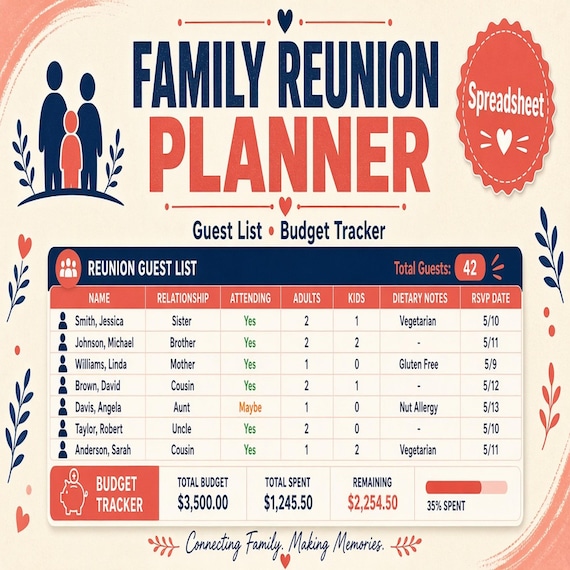
Family Reunion Planner Spreadsheet
A practical digital template bundle built around an urgent buyer need: Budget, RSVP, family groups, itinerary, meal planning…
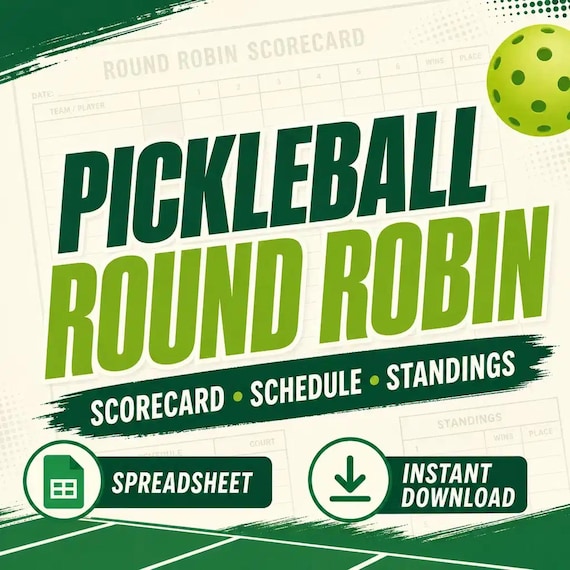
Pickleball Round Robin Spreadsheet
Pickleball round robin spreadsheet for clubs and social play: Excel-first workbook with players, schedule, scorecards, standings…
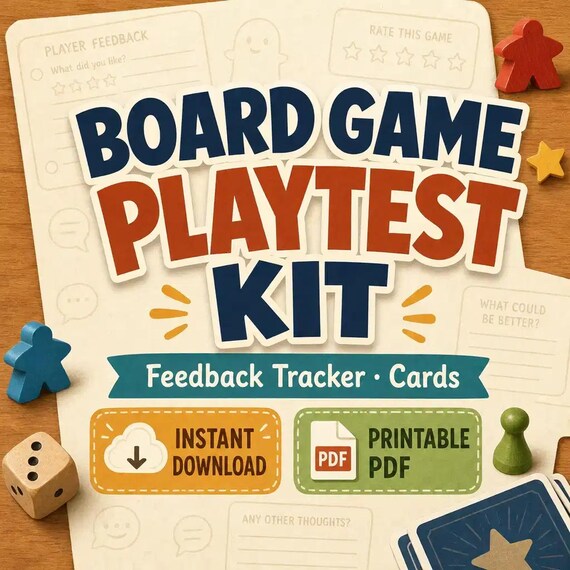
Board Game Playtest Kit
Capture playtest feedback, organize mechanics, and print playtest session cards without rebuilding the system from scratch.


